
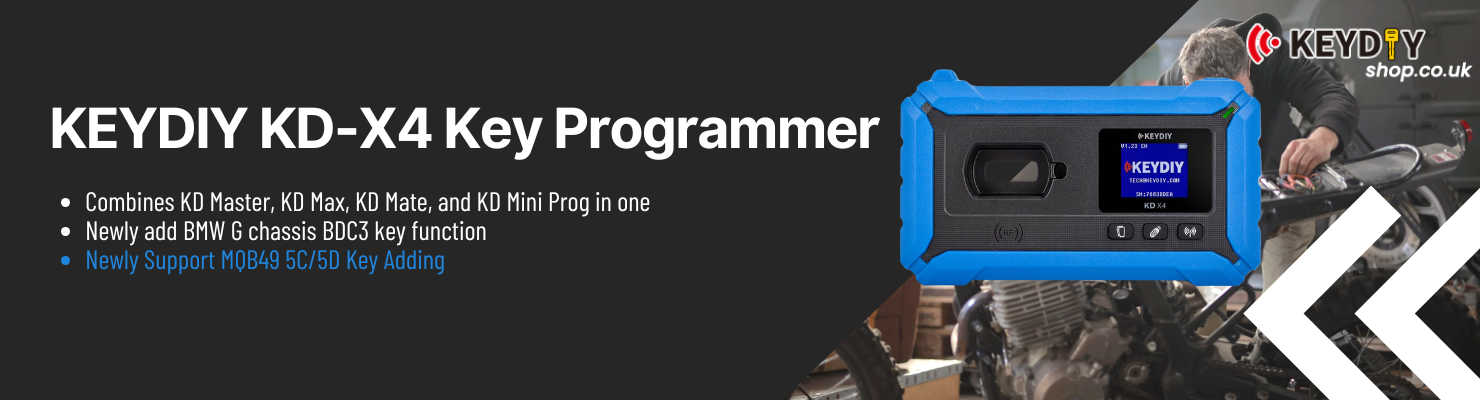
On this 2024 Ford Mondeo with RH850 BCM, we use KEYDIY KD-X4 Key Programmer to add a KD Smart Key. The job starts with reading BCM data on bench, then finishes key learning back on the vehicle through OBD. No extra reset or adaptation steps are involved.
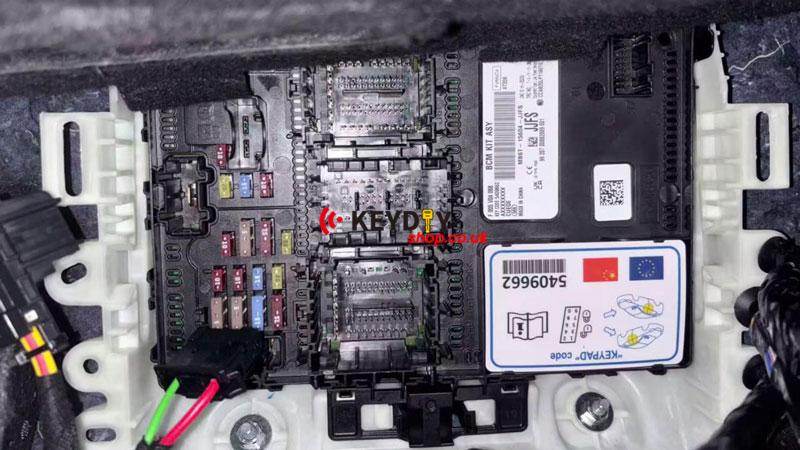
1. BCM Removal & Bench Wiring
BCM needs to be accessed and set up for data reading.
① Remove BCM from under the front passenger seat
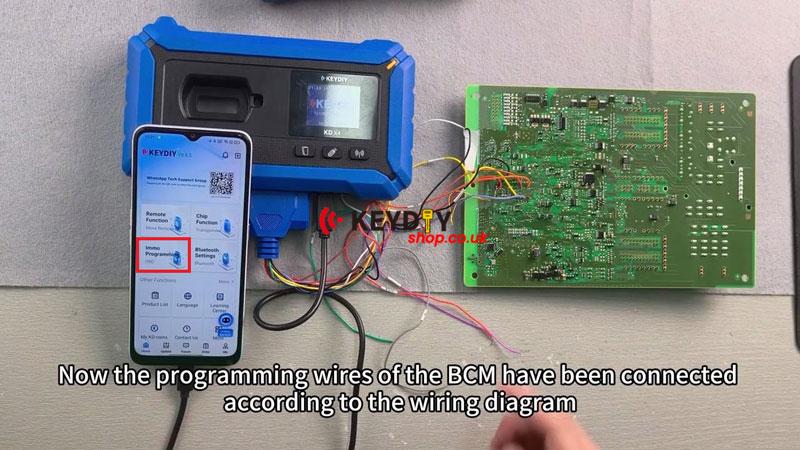
② Wire BCM according to the diagram and connect programming leads
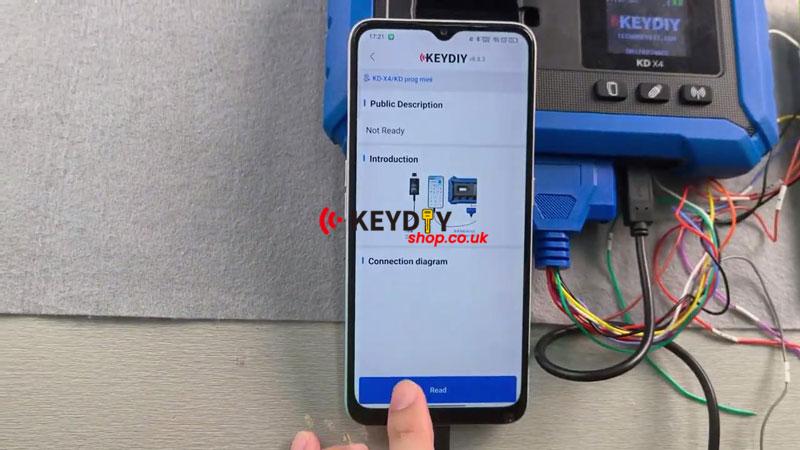
③ Plug OTG cable into mobile device for KD app connection
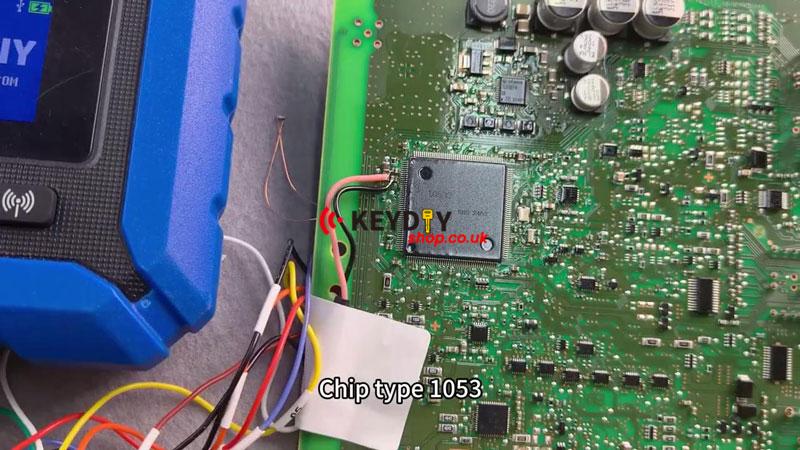
④ Install 100Ω resistor between yellow point and red solder joint before reading
⑤ If read fails, add 1Ω resistor at pink solder joint and retry
2. BCM Data Read (Anti-theft File)
Read and save BCM data from bench setup.
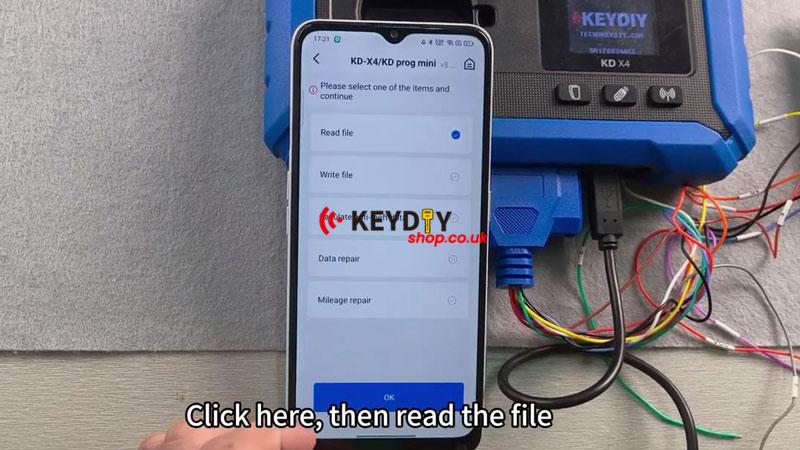
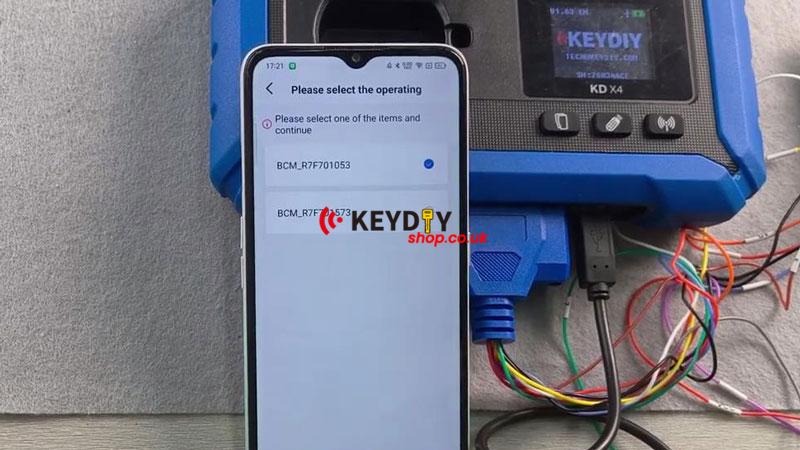
① Open KD app and go to: Immo Programming → KD-X4 → Read file → IMMO → Ford → BCM_R7F701053 → Read
② Wait for successful read confirmation on screen
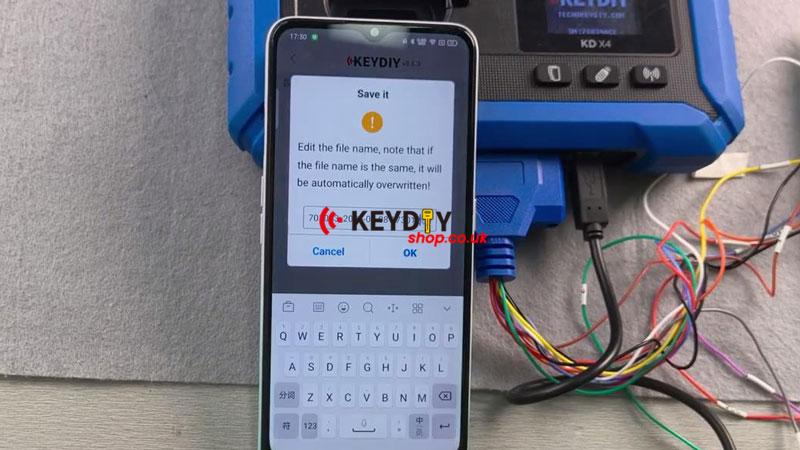
③ Save the file locally and keep it for vehicle programming
3. In-Vehicle Key Learning (OBD)
Move back to vehicle for key matching.
① Connect OBD cable and switch ignition ON
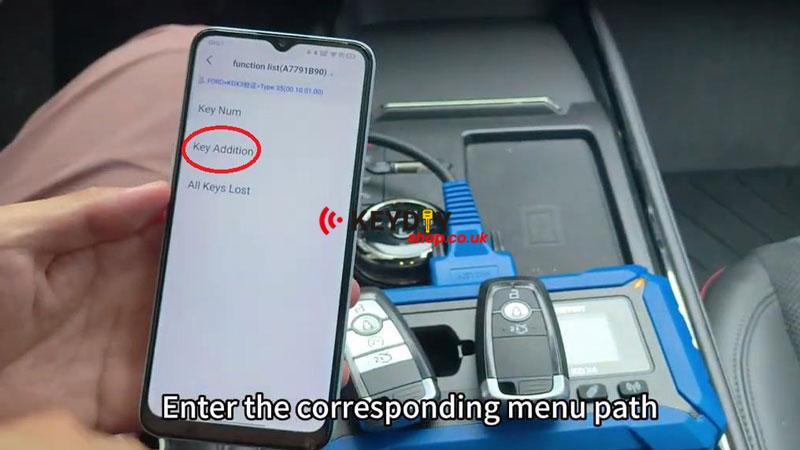
② Enter key programming menu: Key Addition → Load the saved BCM file → Confirm key count
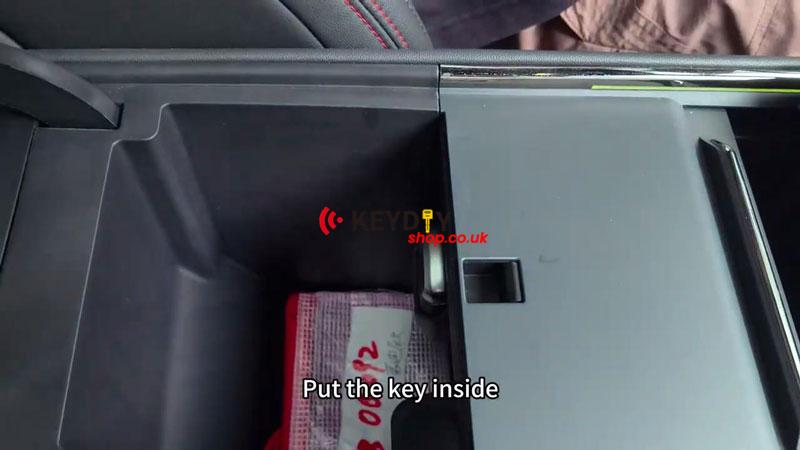
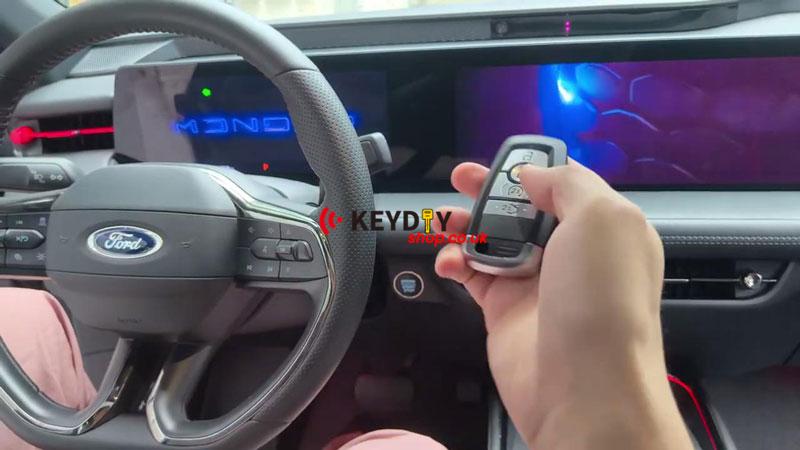
③ Place KD key in induction area (armrest box zone) and confirm learning
4. Verification
Start the engine with the newly programmed key. Check ignition start is normal and key response is OK.
Tool Note – KEYDIY KD-X4
KEYDIY KD-X4 is used here for Ford RH850 BCM bench data reading and in-vehicle key learning through KD app workflow.