

The KEYDIY KD-X4 continues to expand its remote-copying capabilities with a new feature designed for encrypted fixed-code remotes.
This is a fixed code key intentionally encrypted by other devices.
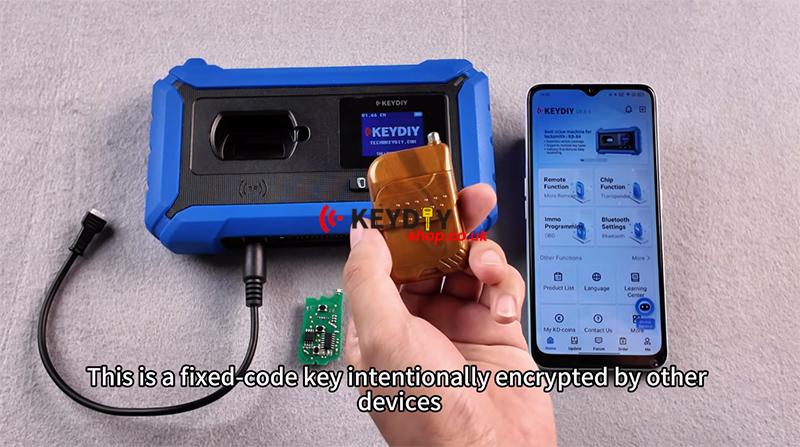
Normal copy recognition will indicate it as an HCS code.
Copying it this way won’t work.
We need to adopt the encrypted fixed code copying method to revert it to the original fixed code.
Now let me show you how it works.
First, we enter the normal copy interface.
Then we press the 1st button (Lock) to test the remote control
HCS rolling code.
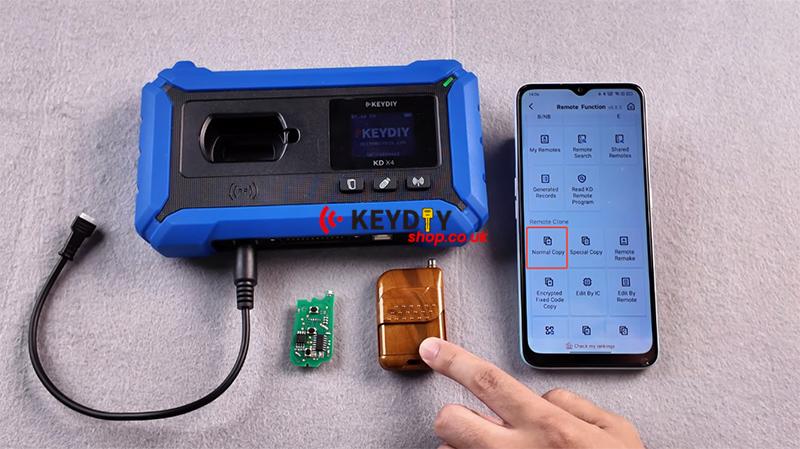
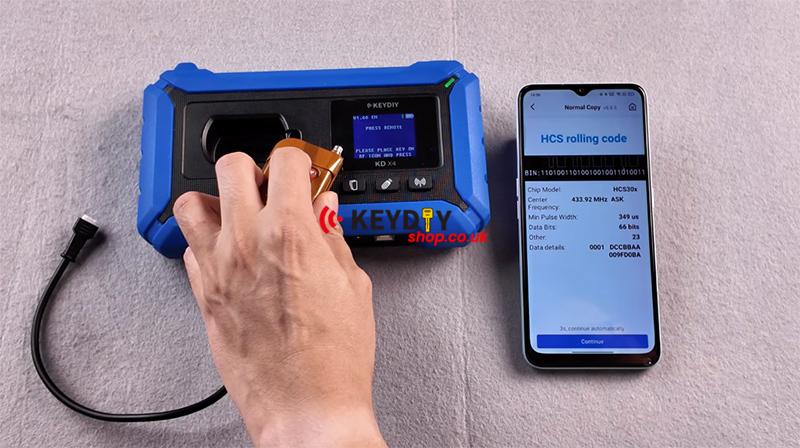
Please input the 1st button (Lock) again.
If it displays as a rolling code and the copied key fails to work at this point, it indicates the rolling code cannot be copied directly.
Then you can go back, select the encrypted fixed code copy option to proceed with copying.
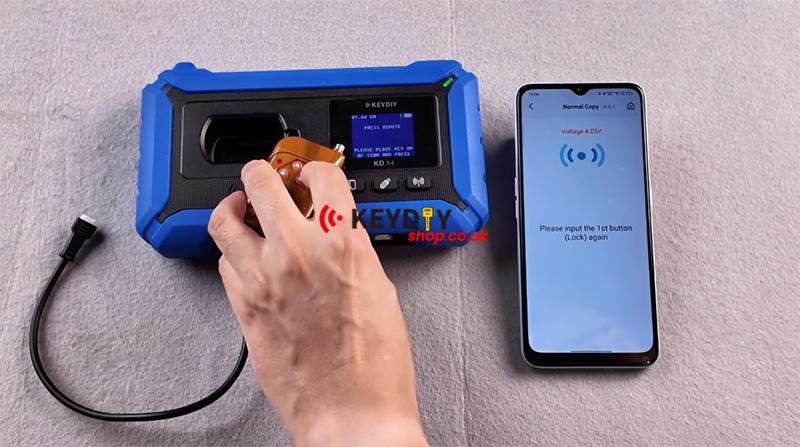
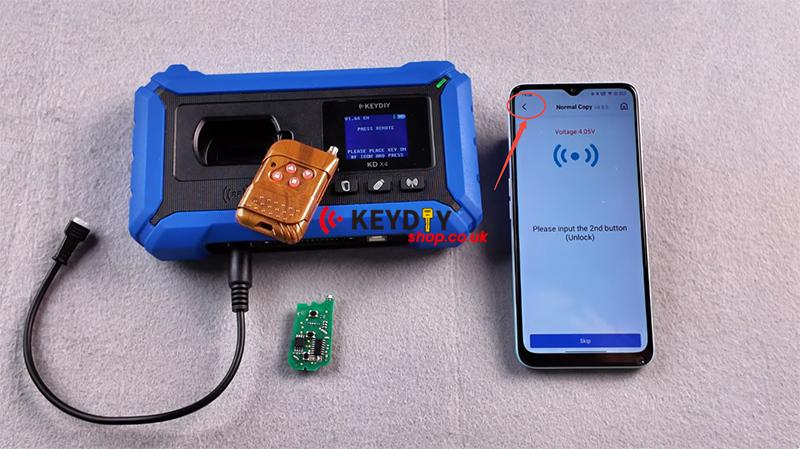
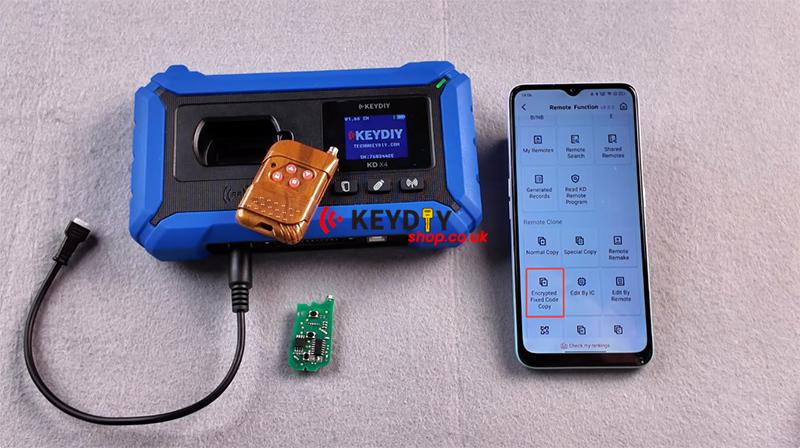
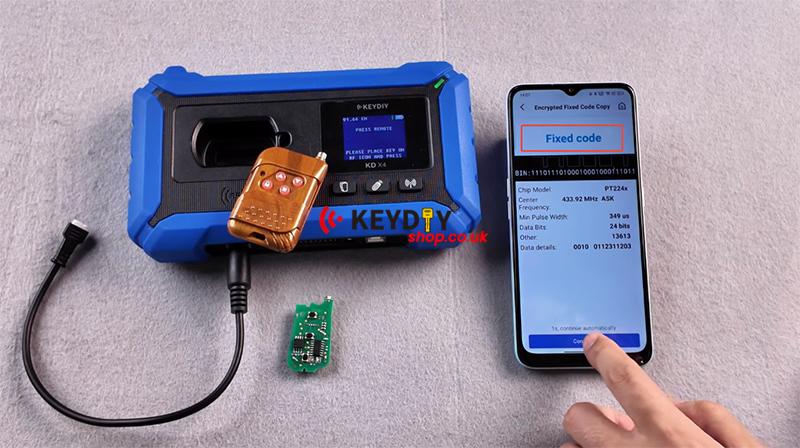
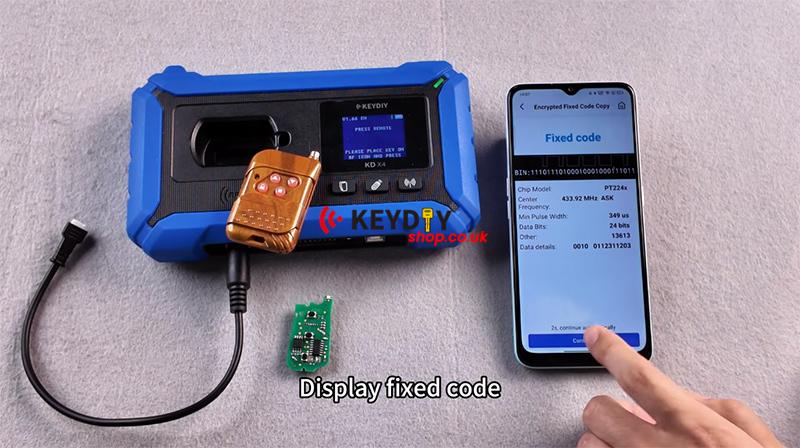
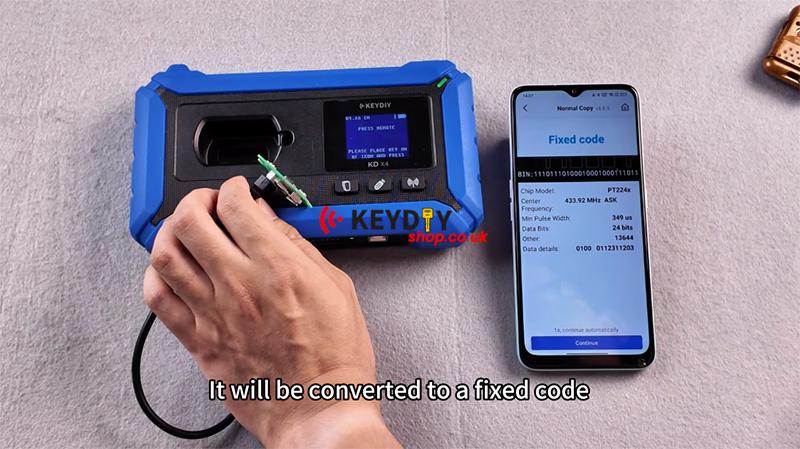
Press the 1st button (Lock) again, and it will prompt that it is a fixed code.
Press the 1st button (Lock) again.
Display fixed code.
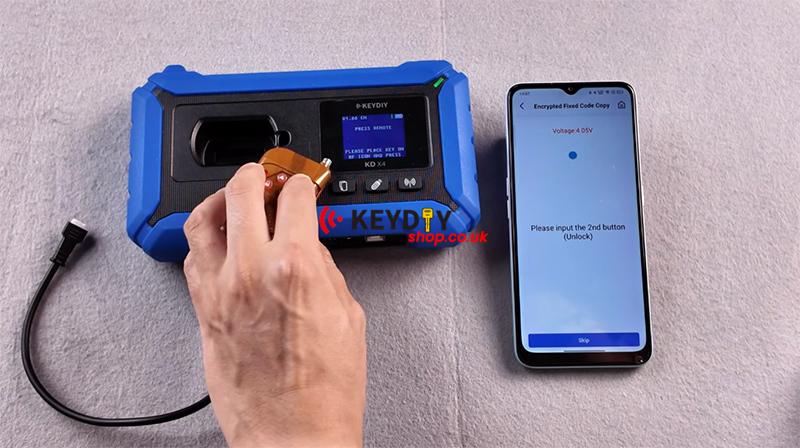
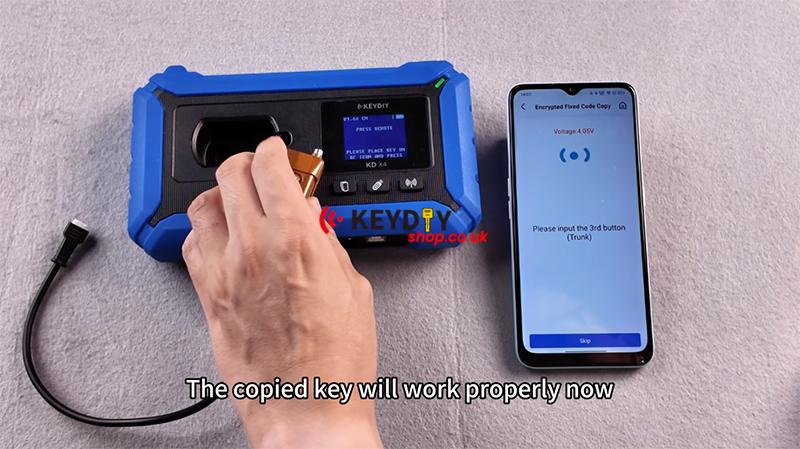
Press the 2nd button (Unlock)
All are fixed codes. Press the 3rd button (Trunk), and the copied key will work properly now.
Okay, let’s skip the generation process directly.
Let’s take a look at the key, then we connect a KD key.
Click generate, select wired generation, and generation completed.
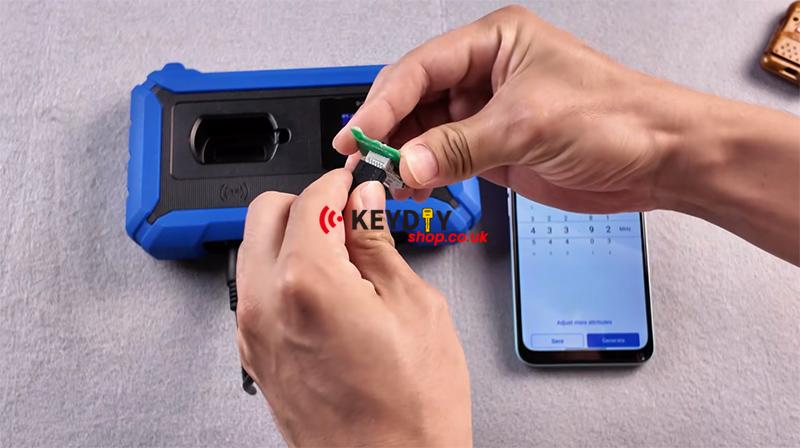
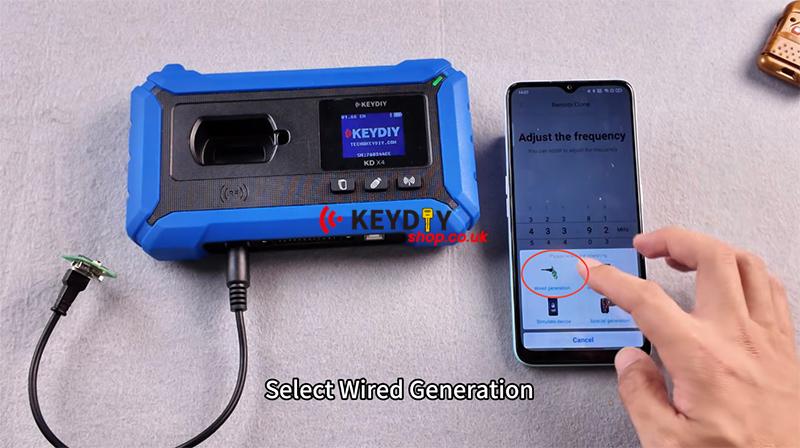
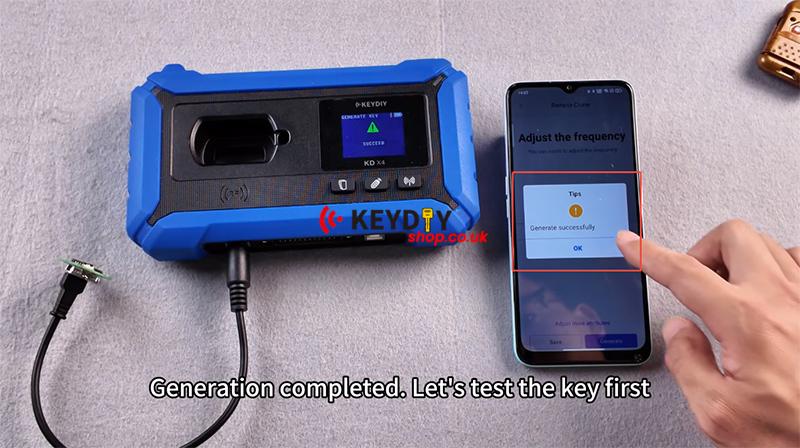
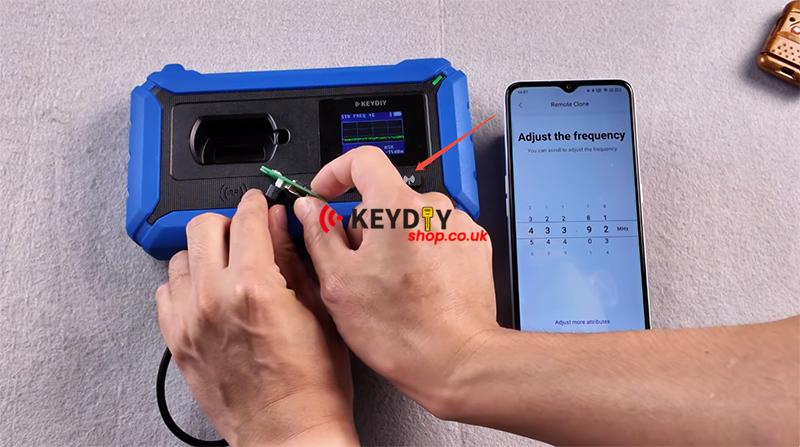
Let’s test the key first, then we go back, click [Normal Copy] again, and press the 1st button (Lock) on the KD key.
It will be converted to a fixed code.
So, if you try to copy directly from here, if the fixed code doesn’t work, you can enter the [Normal Copy] to give it a try. Copy this remote control.
Done.
Video guides: