

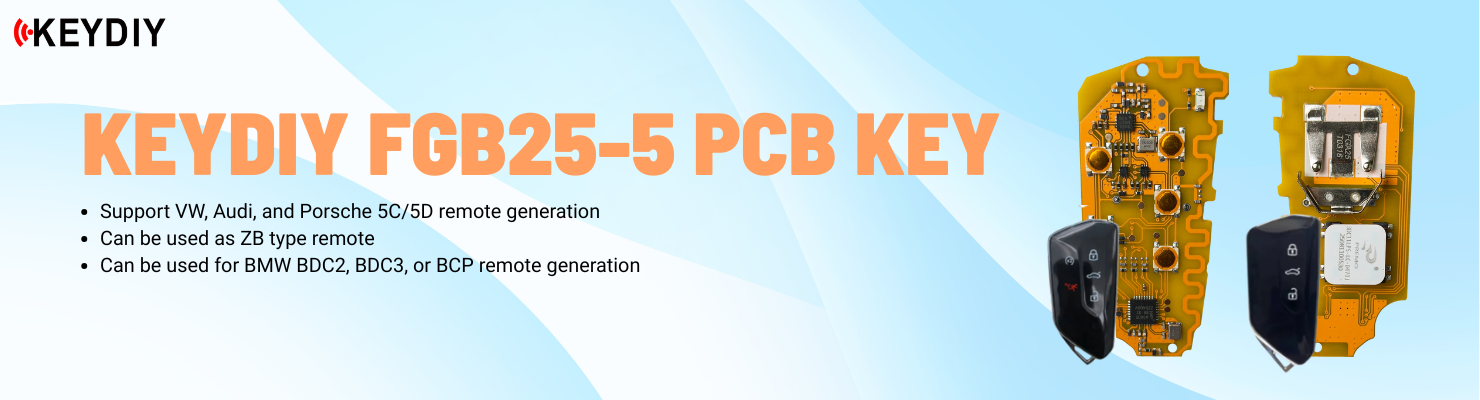
This post demonstrates how to use the KEYDIY KD-X4 to add an extra key for a 2023 Leapmotor C01.
In this example, we are using a KD FB02-3 key. The wire connection was completed before starting the procedure.
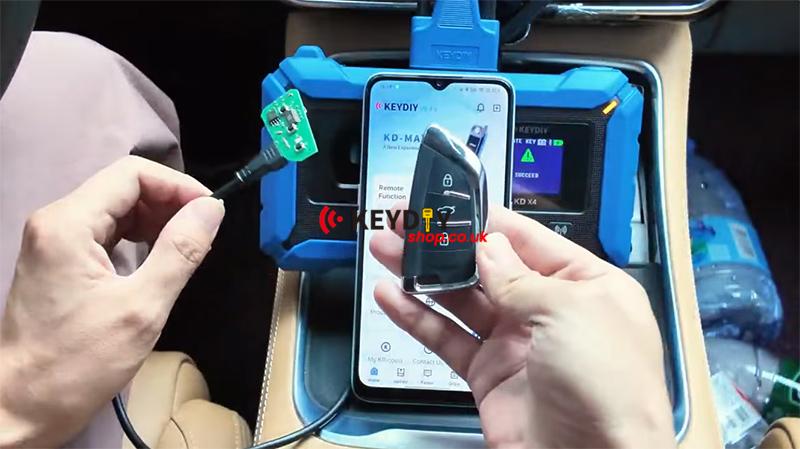
Step 1: Generate the Remote
On the KD-X4, select:
Remote Function → Smart Key Remote → LEAPMOTOR → C01
The remote has been pre-generated. After generating the remote, proceed to the corresponding programming function to match the key.
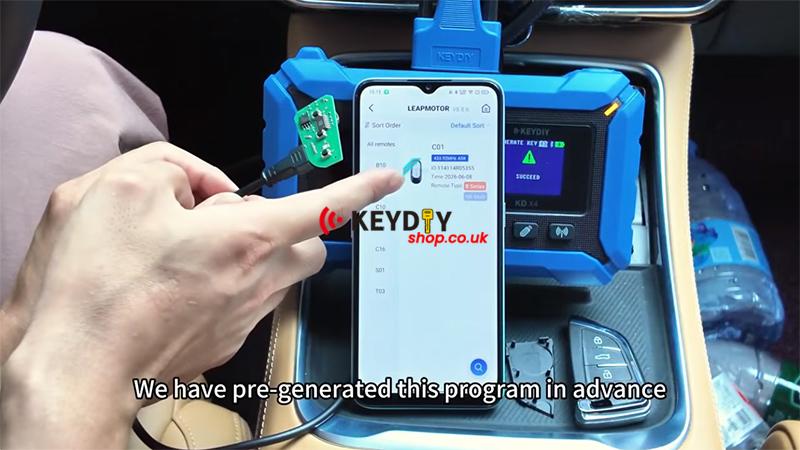
Step 2: Enter Immobilizer Programming
Navigate to:
Immo Programming → LEAPMOTOR → C01 → 2023- → Keyless System (CAN)-Type3 → Start Execution
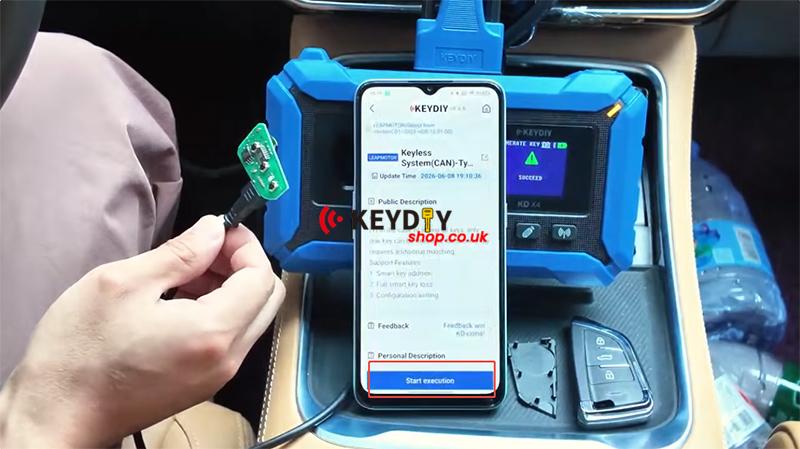
There are three functions available in this menu.
In this case, there are no working keys available, which means the situation is equivalent to all keys lost. Therefore, the All Keys Lost function must be performed.
Step 3: Write Configuration
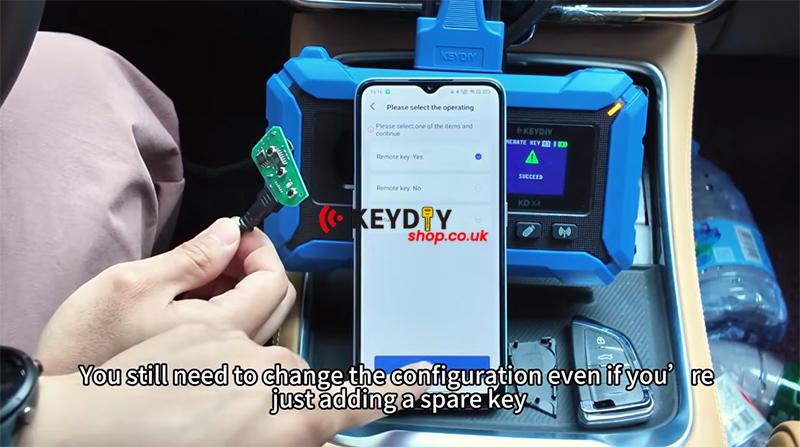
Before executing the All Keys Lost function, the configuration must be written first.
This step is required to activate the remote control system.
After writing the configuration, proceed with key programming.
Note that even if you are only adding a spare key, you still need to write the configuration.
Once the writing process is completed, continue to the next step.
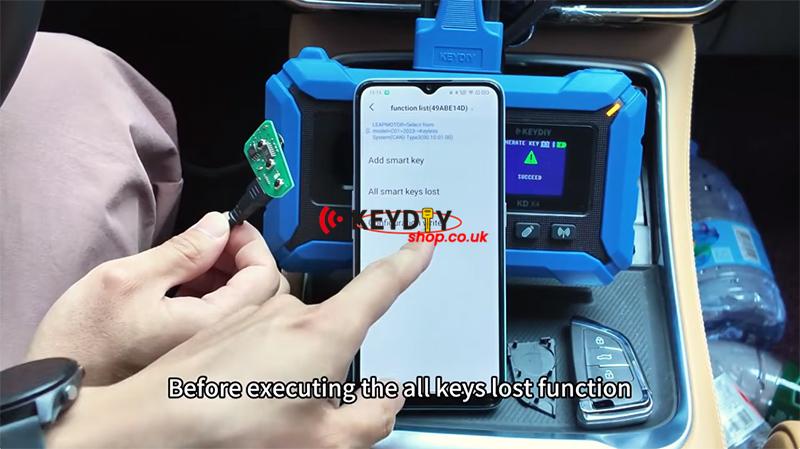
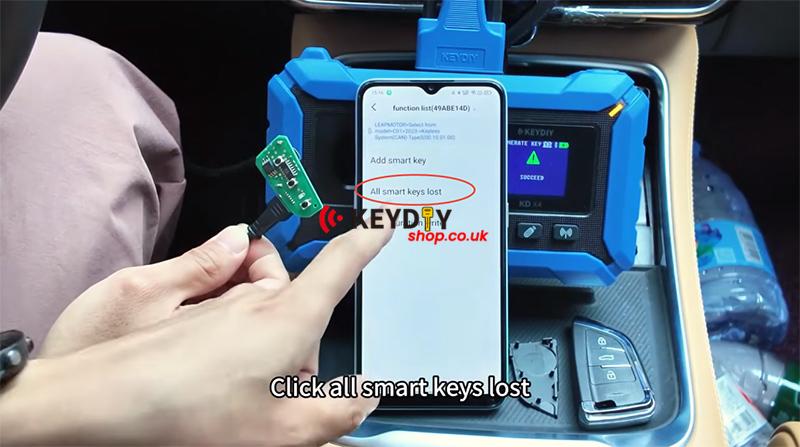
Step 4: Perform All Keys Lost Programming
Select [All Smart Keys Lost].
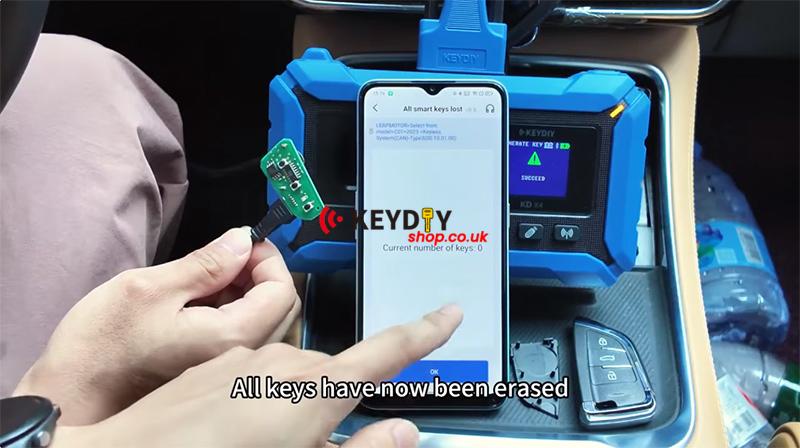
All keys have now been erased.
The current number of keys is 0.
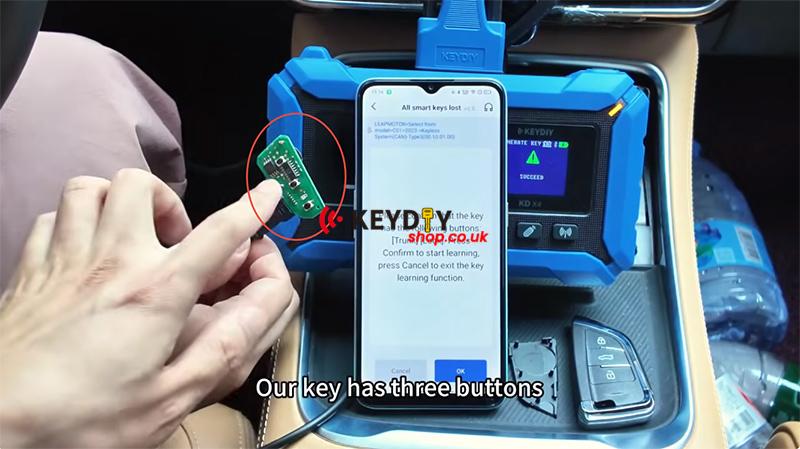
Our key has three buttons.
It is equipped with trunk release and lock buttons.
Click Okay.
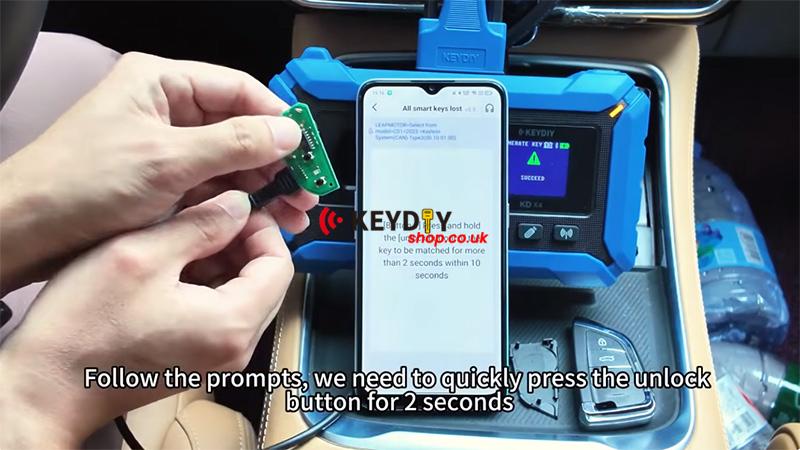
Follow the prompts. We need to quickly press the unlock button for 2 seconds.
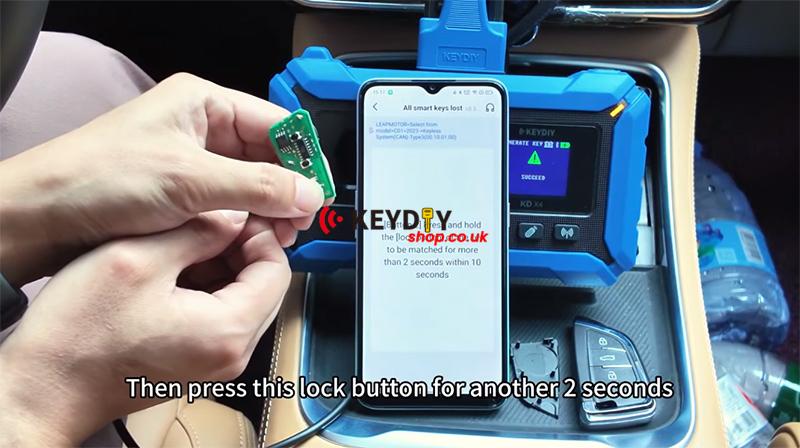
Then press this lock button for another 2 seconds.
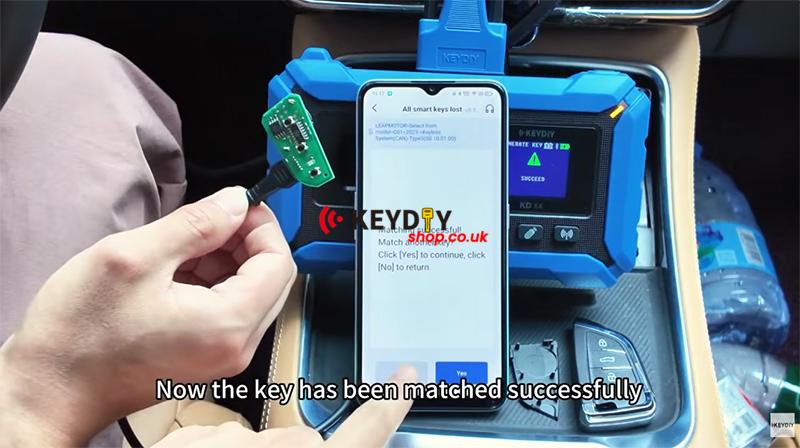
Now the key has been matched successfully.
Then we can click No.
Step 5: Test the Key
Finally, test all key functions to ensure proper operation.
The new KD key has been programmed successfully, and all functions are working normally.
The procedure is now complete.

Video guides: