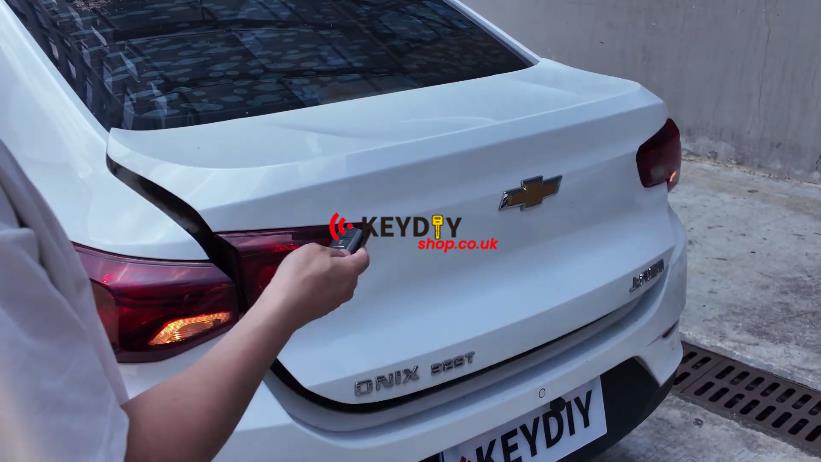
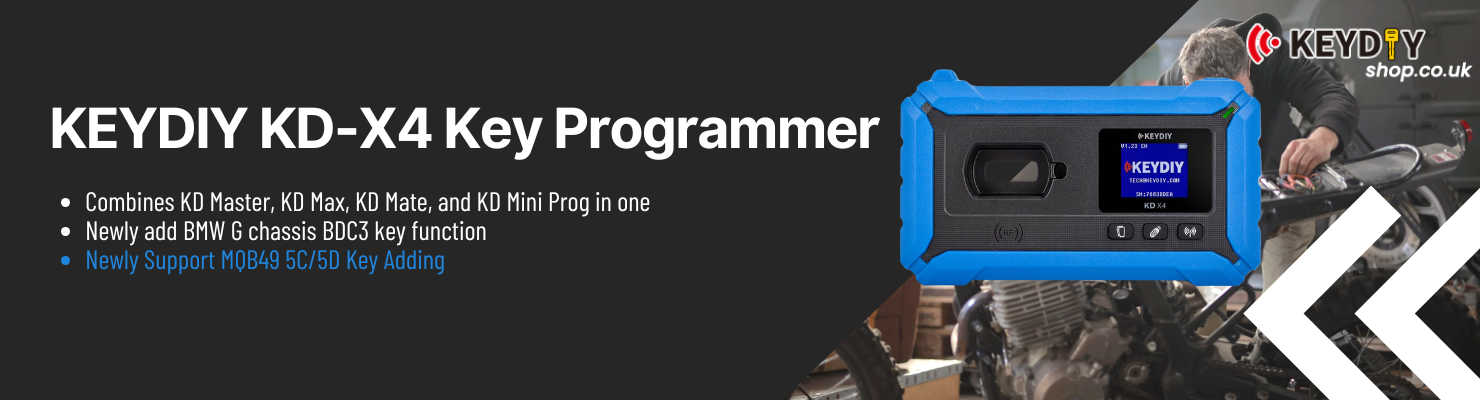
Had a 2021 Chevrolet Onix come in for a spare key add. The vehicle already had three keys registered, and KEYDIY KD-X4 handled the entire job through the CAN FD system without needing a PIN code.
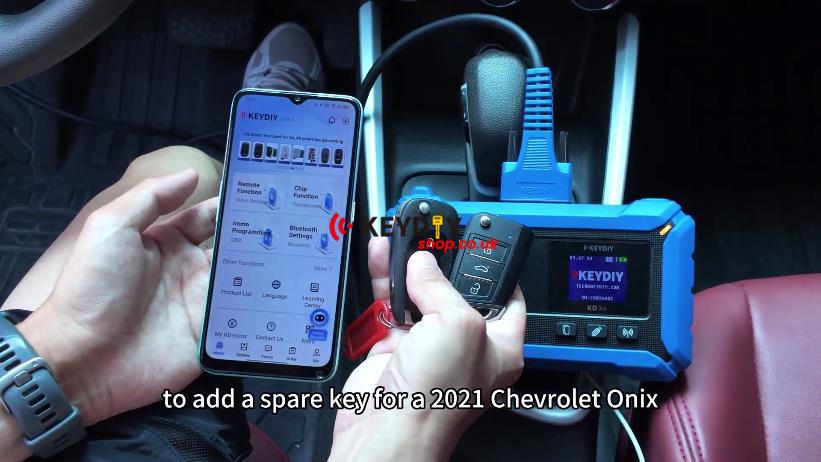
Generate the KD Key
1. Place the original key on the KD-X4 induction coil and identify the transponder chip.
2. Check the remote frequency. The original key in this vehicle is 433 MHz.
3. Go to:
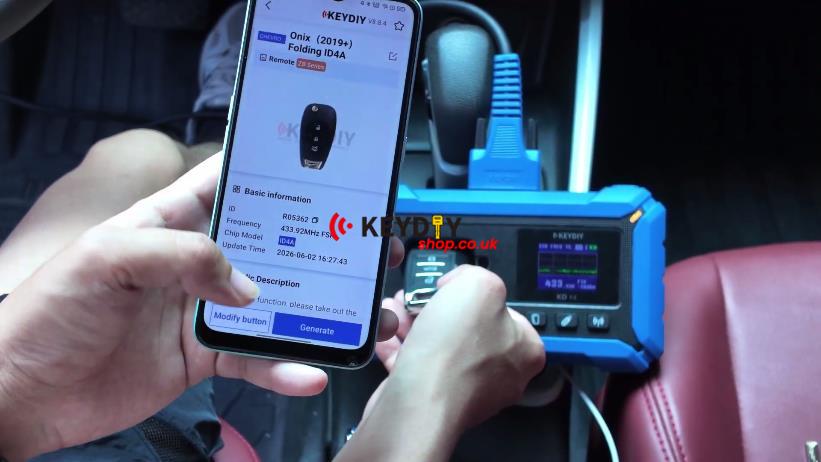
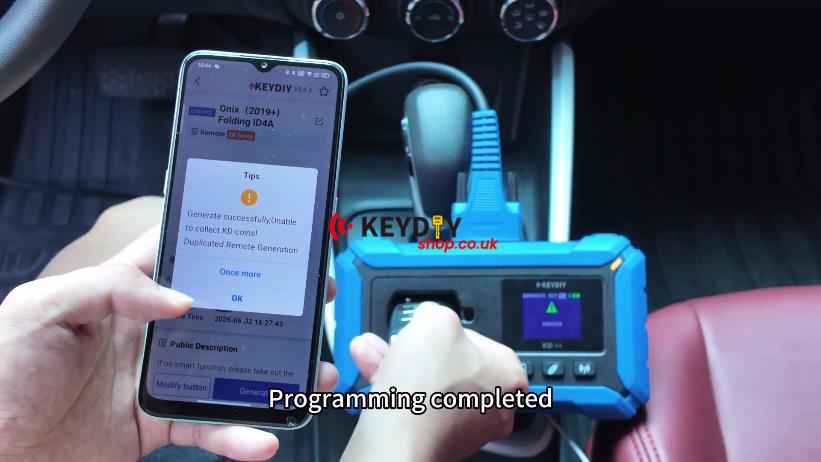
Remote Function → Vehicle Remote → CHEVROLET Onix (2019+) Folding ID4A → Generate → Wireless Generation
After generation is completed, return to the main menu.
Enter Immobilizer Programming
1. Connect the KD-X4 to the vehicle and enter:
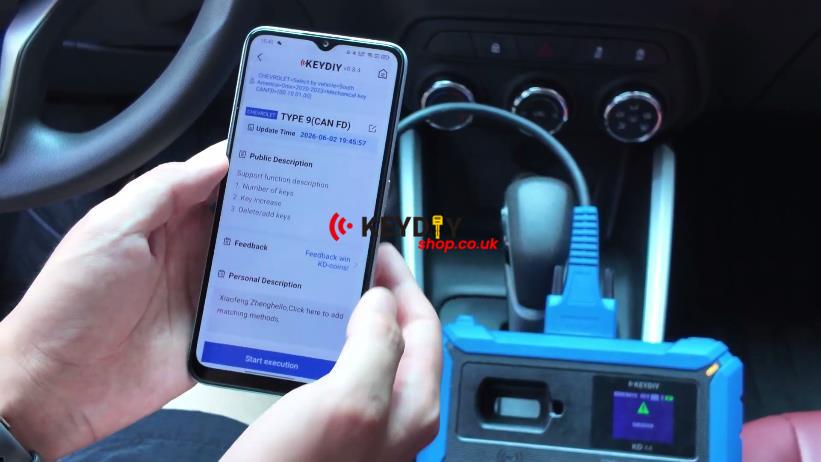
2. Immo Programming → CHEVROLET → Select by Vehicle → South America → Onix → 2020-2023 → Mechanical Key CANFD → TYPE 9 (CAN FD) → Start Execution
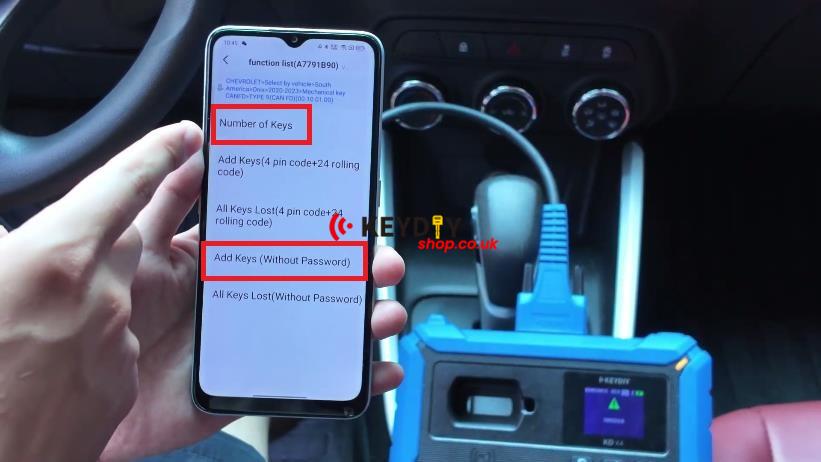
3. Read the number of registered keys. This vehicle shows 3 keys stored.
4. Select Add Keys (Without Password) to continue with password-free key learning.
Learn the New Key
1. Turn the ignition ON and start the learning procedure.
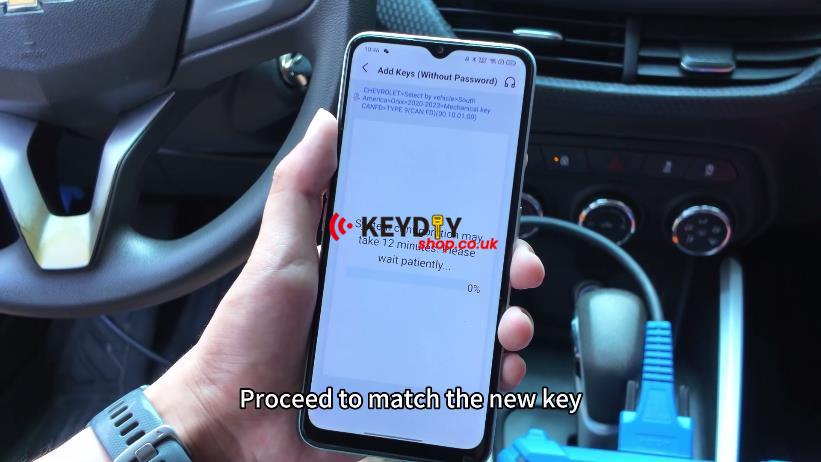
2. The system reads the VIN and automatically retrieves the vehicle password. Confirm and continue.
3. Wait for the 12-minute security countdown.
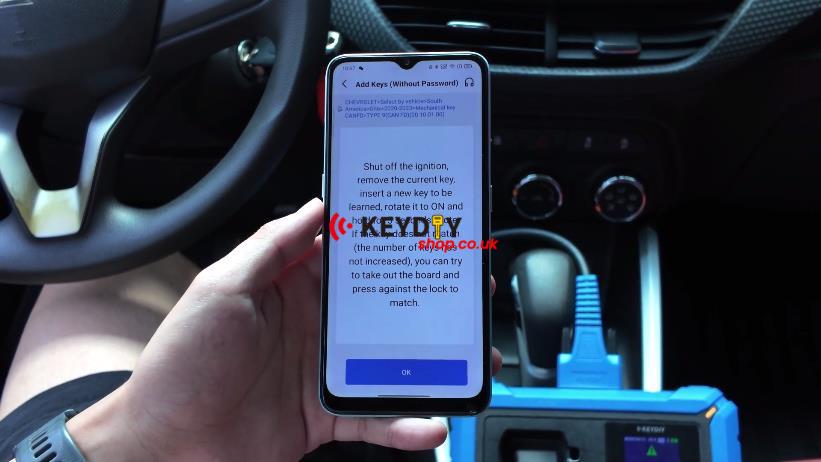
4. When prompted, switch the ignition OFF, remove the original key, insert the generated KD key, then turn it back ON and hold for 5 seconds.
The hazard lights flash once the key has been successfully learned.
Check the Result
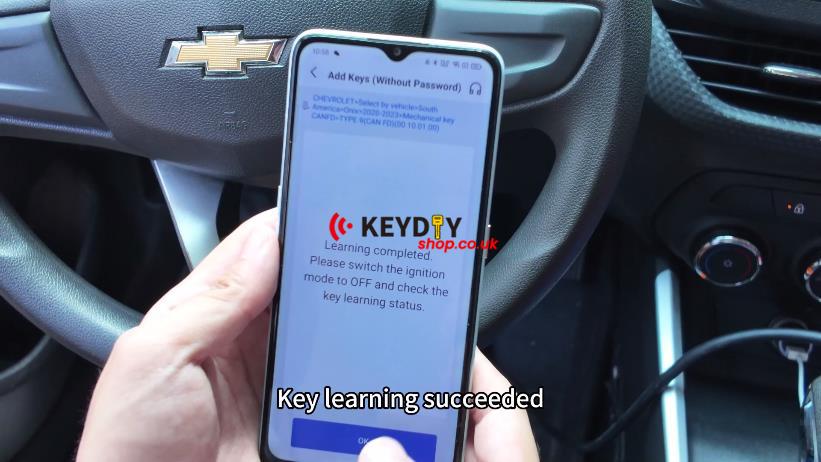
1. Read the registered key count again and confirm the new key has been added.
2. Follow the final ignition prompt to complete the procedure.
3. Test the newly added KD key.
Verification
The vehicle starts normally, and the remote functions operate correctly.
Workshop Notes
This Chevy Onix uses CAN FD communication. The KEYDIY KD-X4 handles the job directly through the OBD connection, so no additional CAN FD adapter is required.