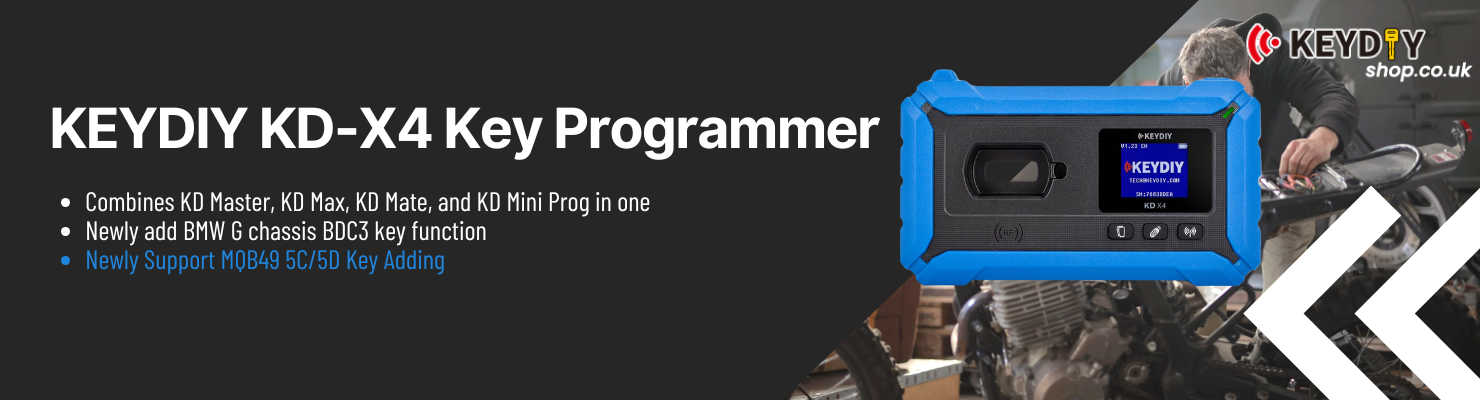
KEYDIY KD-X4 Key Programmer Combine KD Max, KD Mate, KD Mini Prog 5-in-1 Newly Add MQB48 MQB49 5C 5D, MLB, BMW BDC2/ BDC3
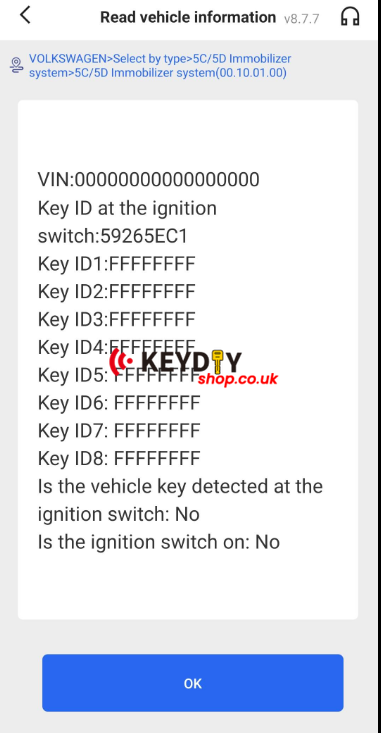
When using the KEYDIY KD-X4 to program keys for a VW Caddy 2021, report the following situation:
- Key data reading is successful
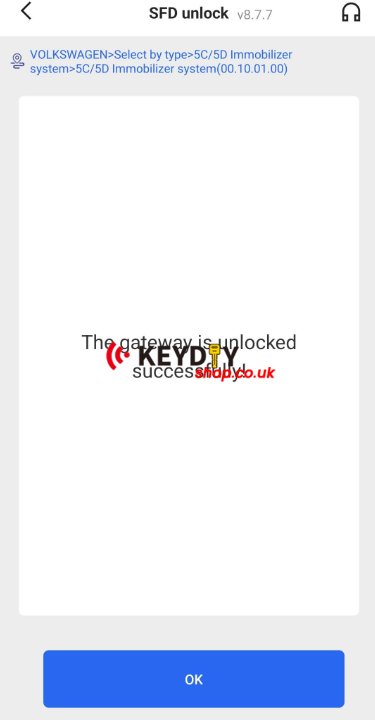
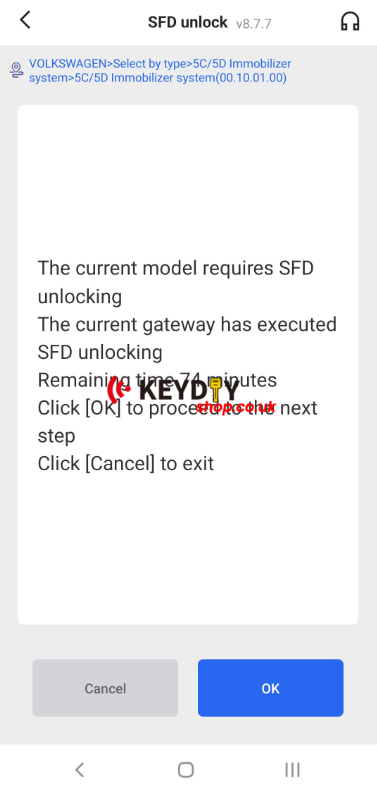
- SFD is already unlocked
- Original key can be learned normally
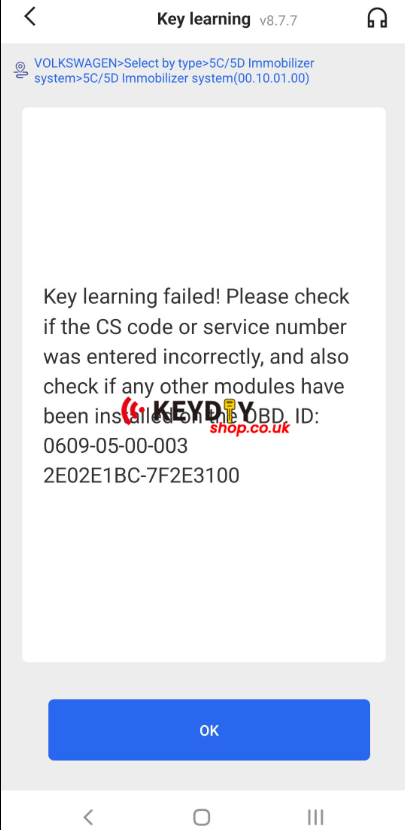
- New key learning fails
During the second ignition cycle, the issue appears:
- Ignition stays on for 1–2 seconds
- Dashboard remains black
- Vehicle uses normal ignition (not start/stop)
Quick Fix: Power Reset the Vehicle
Before trying the key learning process again, perform a power reset:
-
Turn off the ignition and remove the key.
-
Disconnect the vehicle battery or completely power off the vehicle.
-
Wait a few minutes (3–5 minutes recommended).
-
Reconnect power.
-
Run the key learning procedure again with the KD-X4.
A short power reset helps clear temporary system states in the VW immobilizer system, which can sometimes block new key learning after reading the key data.
Tips for Successful Key Programming
- Ensure SFD unlocking remains active.
- Use a stable power supply for the vehicle.
- Follow the KD-X4 prompts carefully during the learning process.
- If possible, try programming all keys in one session.
Summary
If the original key programs successfully but the new key fails, a simple power reset for a few minutes often resolves the issue. After restoring power, repeat the key learning procedure with the KD-X4, and the new key should program normally.