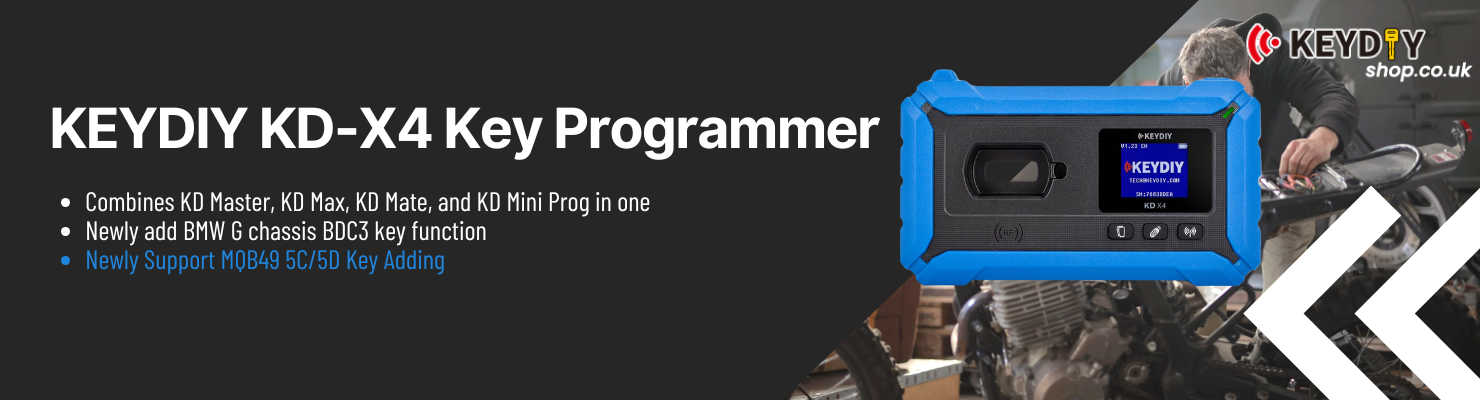
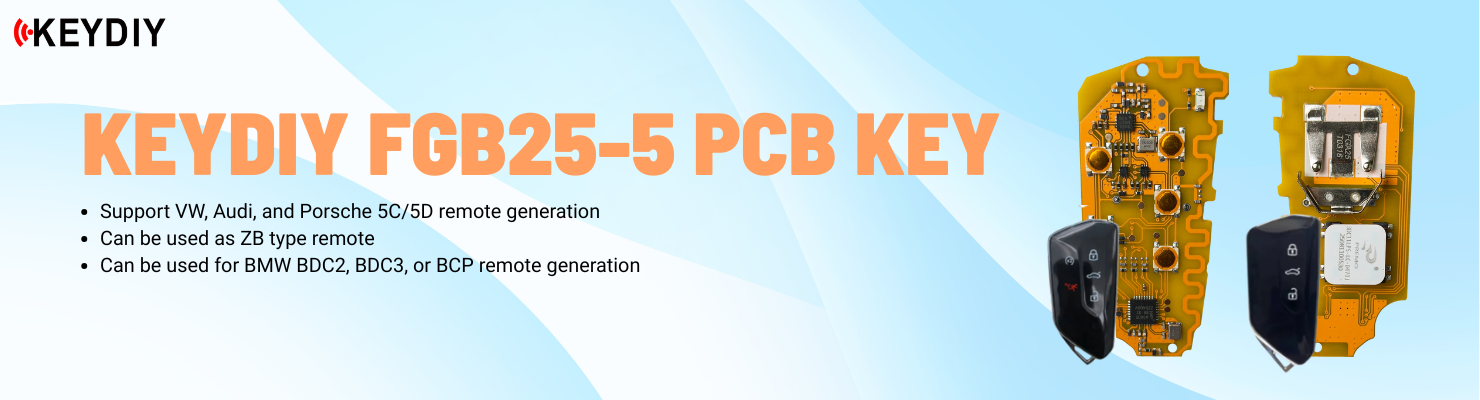
With KEYDIY KD-X4, you can add a KD key to a 2022 Range Rover without removing the KVM. The vehicle’s UWB function has to be disabled first. On special vehicles where UWB cannot be disabled, only OEM UWB-enabled keys can be added. This example uses the KD ZB24-5 Smart Key.
Prepare the Original Key
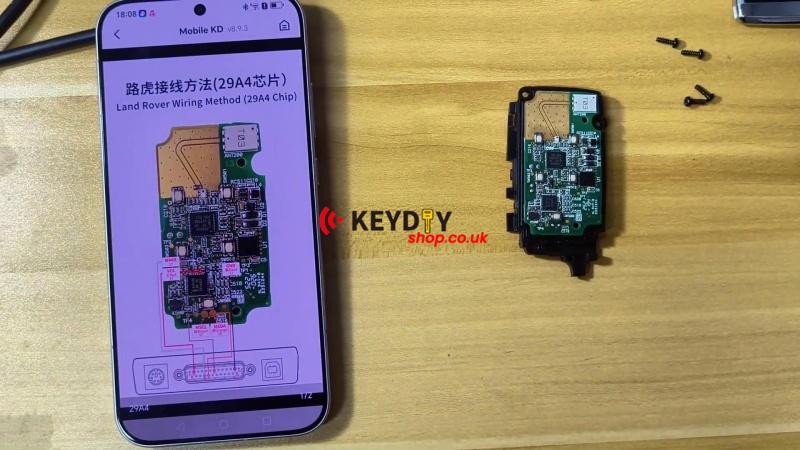
1. Open the original key. Remove the battery and four screws, then separate the case along the seam.
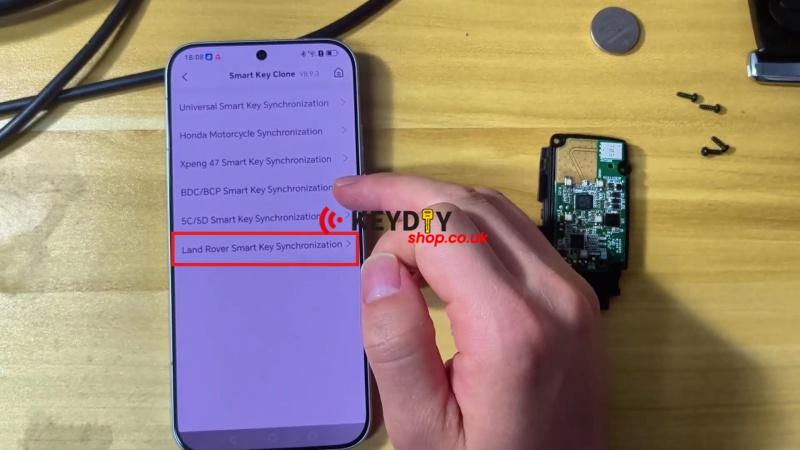
2. In the KD mobile app, go to Remote Function >> Smart Key Clone >> OK >> Land Rover Smart Key Synchronization.
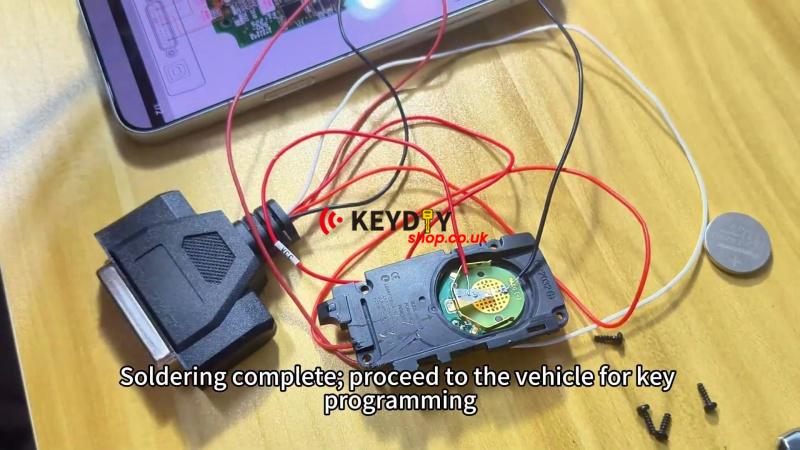
3. Follow the wiring diagram and solder the harness wires to the key in this order: white, orange, brown, red, black.
Program the Vehicle
1. Connect the OBD connector and perform the emergency vehicle startup.
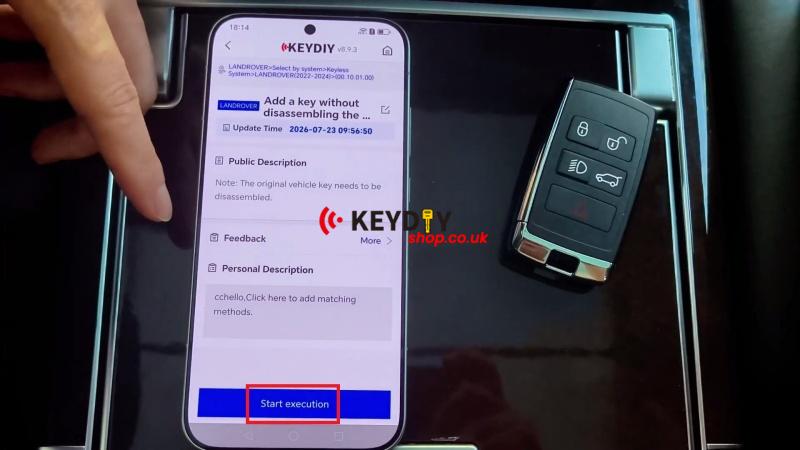
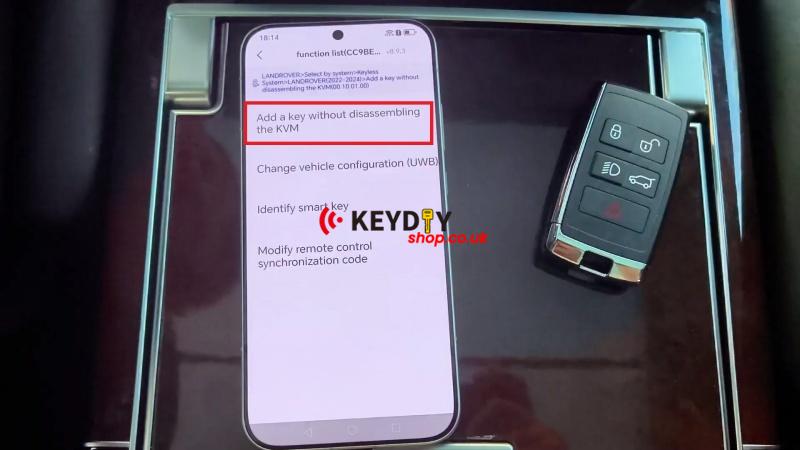
2. Go to IMMO Programming >> OK >> LANDROVER >> Select by system >> Keyless System >> LANDROVER (2022-2024) >> Add a key without disassembling the KVM >> Start execution >> Add a key without disassembling the KVM.
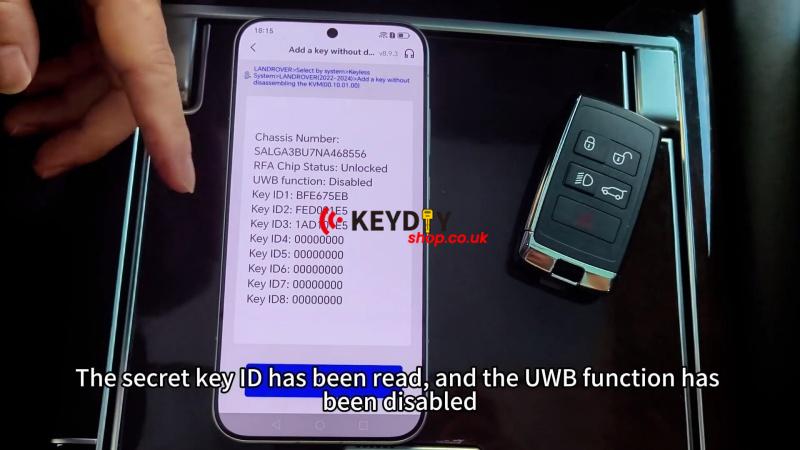
3. Keep the network connection stable and let the tool read the secret key ID. Do not exit during data reading. The UWB function will be disabled after the data is read.
Note: If the original vehicle has UWB enabled and the key supports UWB, use the factory high-end key when copying. Do not use an ID that is already assigned to a valid key; otherwise, the existing key may stop working.
Read the Key Data
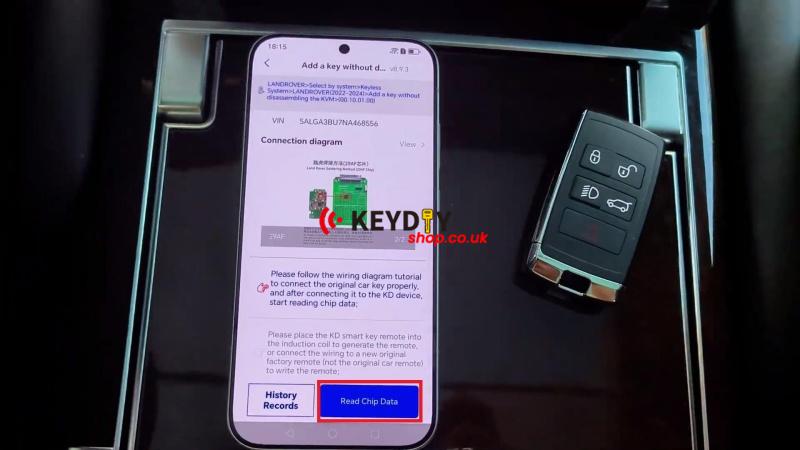
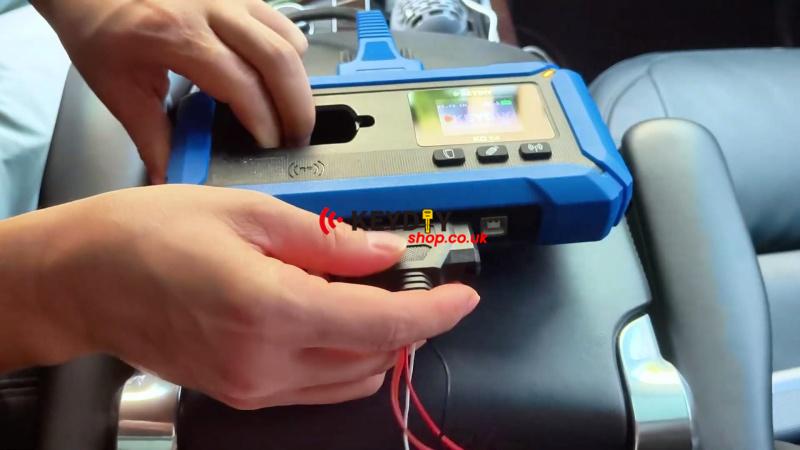
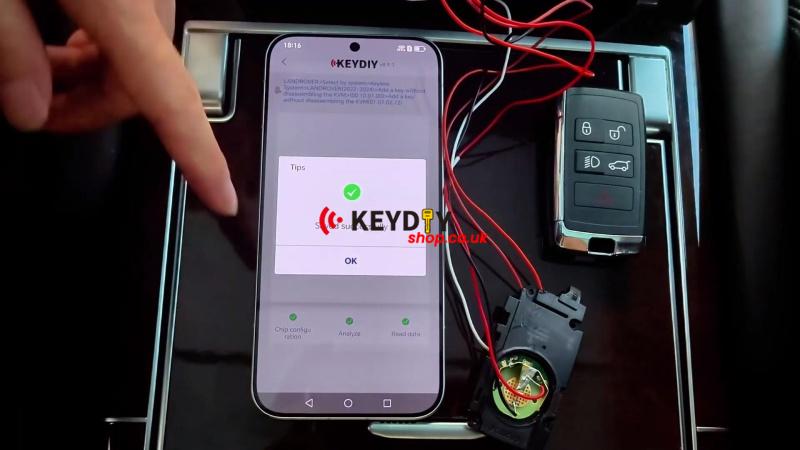
1. Connect the programming harness to the KD-X4 and select Read Chip, Data.
2. After the read is successful, disconnect the harness.
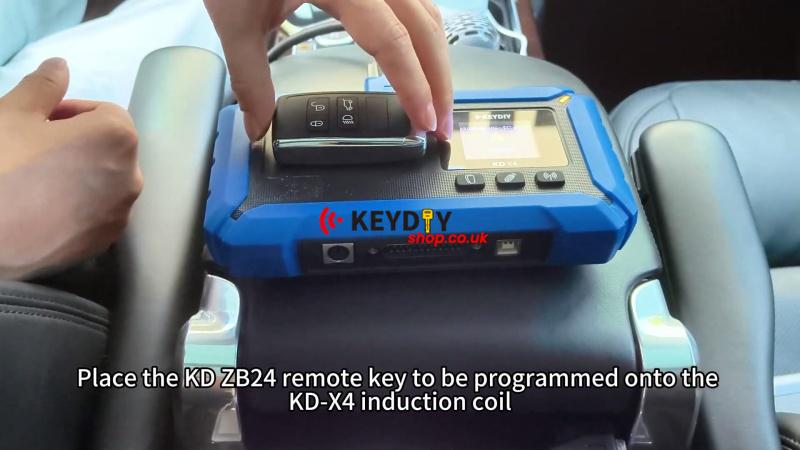
3. Place the ZB24-5 Smart Remote on the KD-X4 induction coil. Select an ID different from the original OEM key ID.
Generate the KD Key
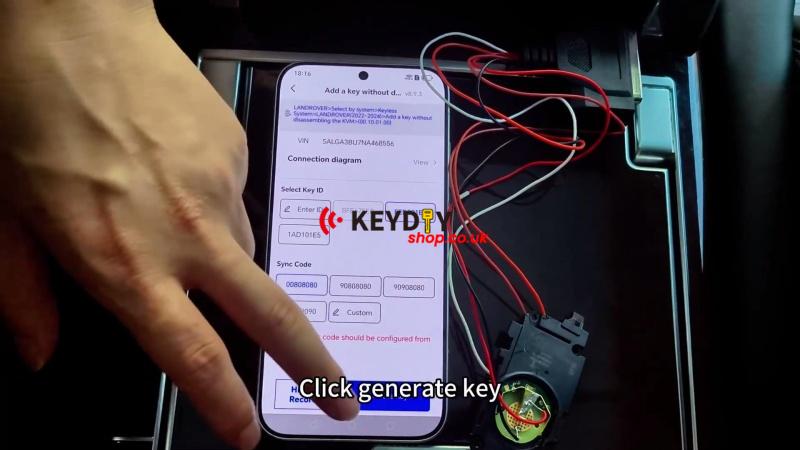
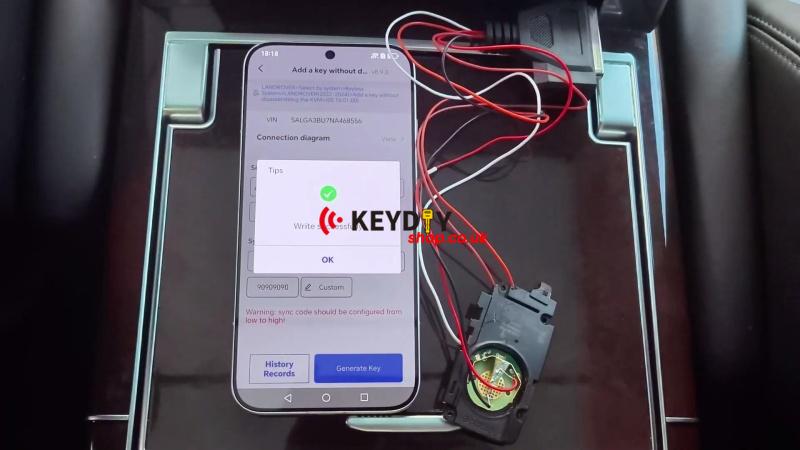
Select Generate Key >> KD universal remote >> 433MHz >> OK. The new key is programmed.
Verification
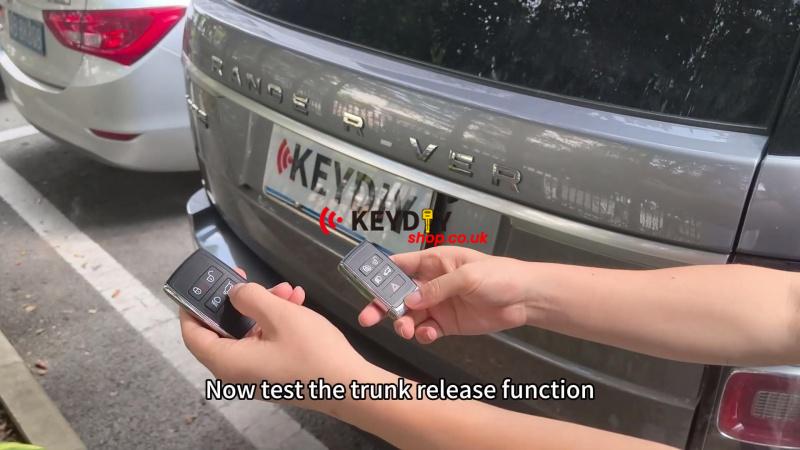
Test the new key and the original key. Make sure the basic functions work normally.
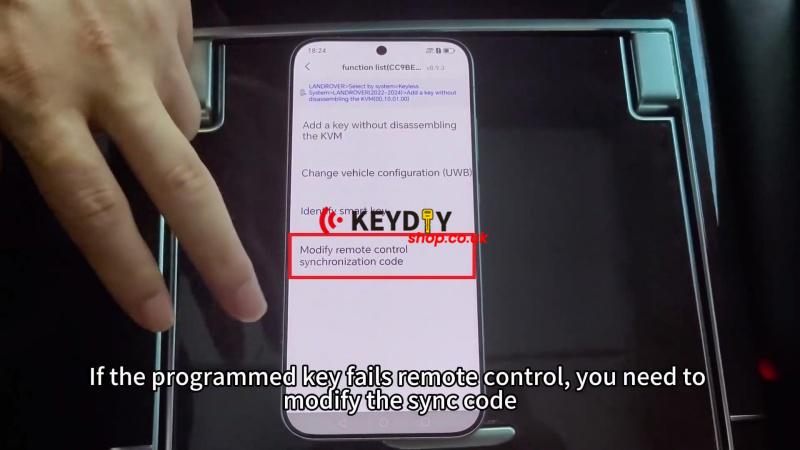
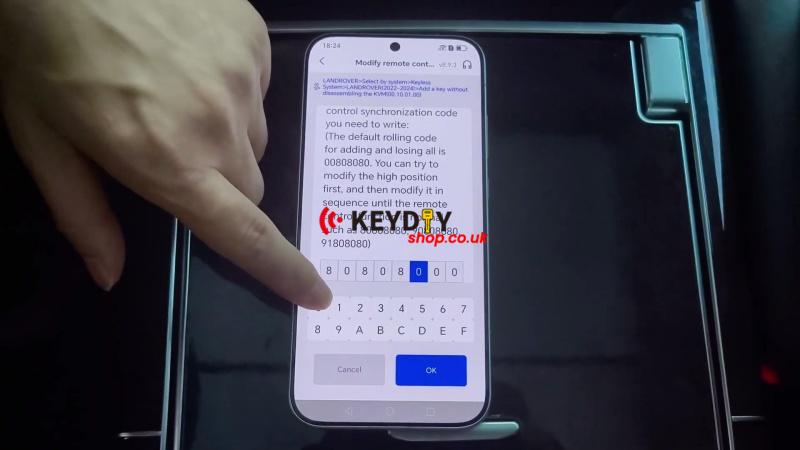
If the new key has a remote-control issue, go to Modify remote control synchronization code and adjust the sync code gradually from a small value. Do not make a large adjustment in one step.