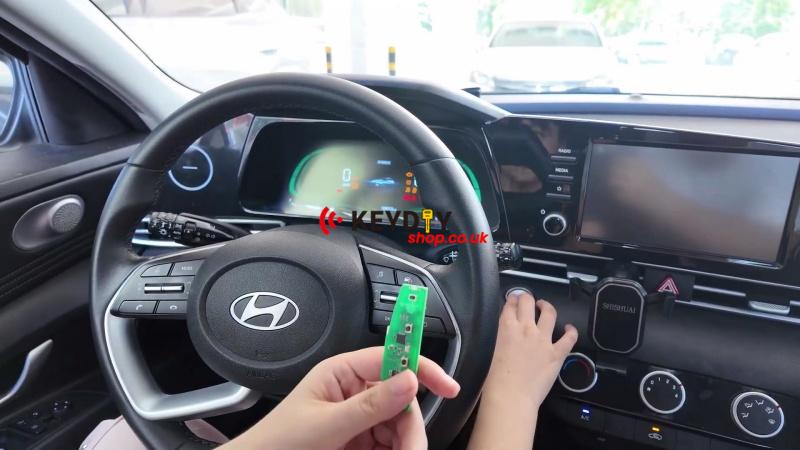
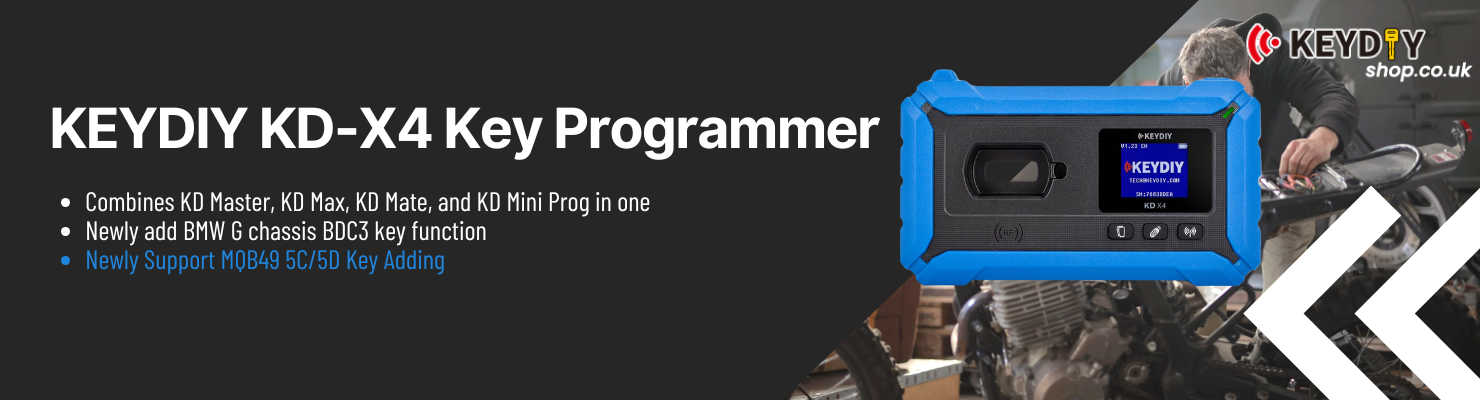
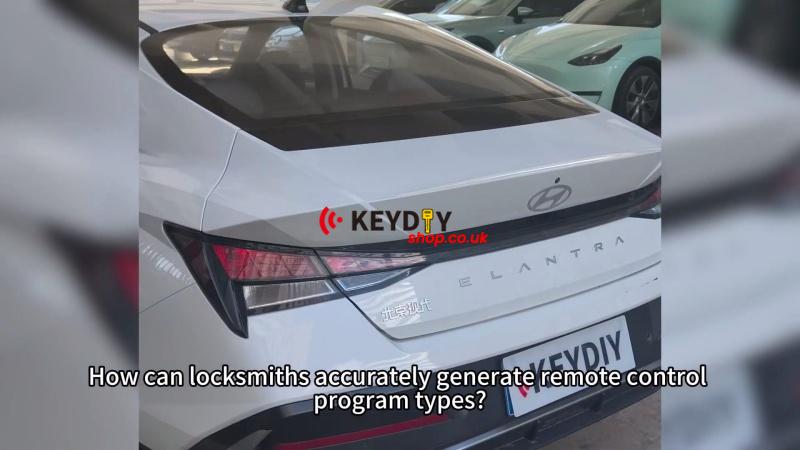
For the 2026 Hyundai Elantra smart key job, KEYDIY KD-X4 was used to generate and match a new KD key with the original key. Make sure the PIN code is prepared before starting, as it is required during the smart key matching process.
Prepare the Key Data
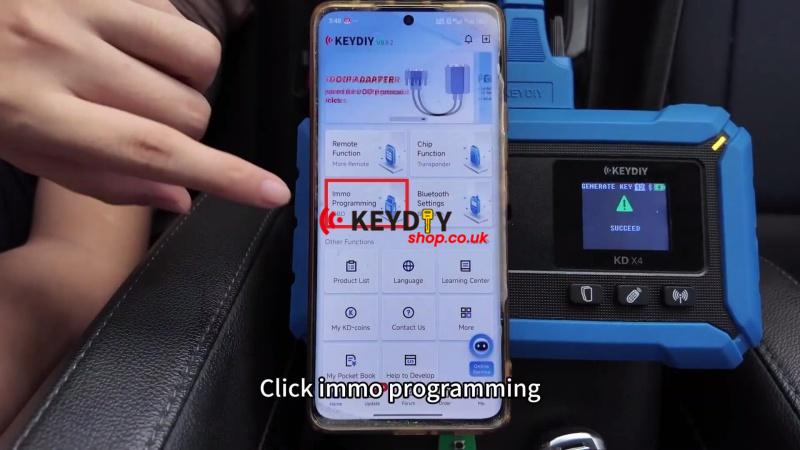
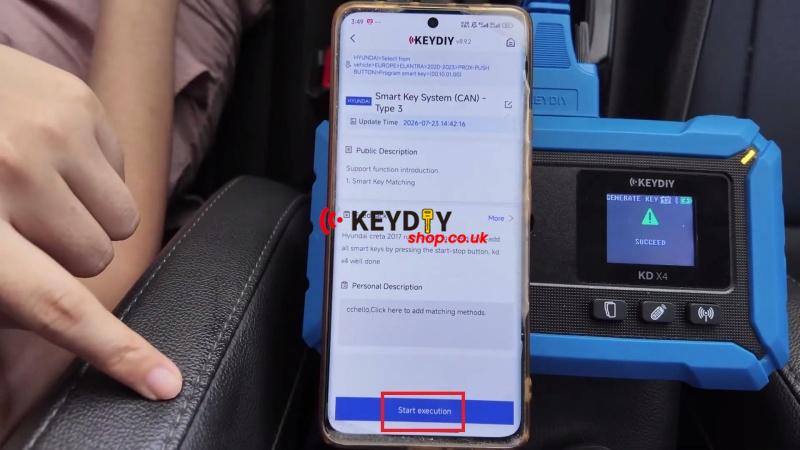
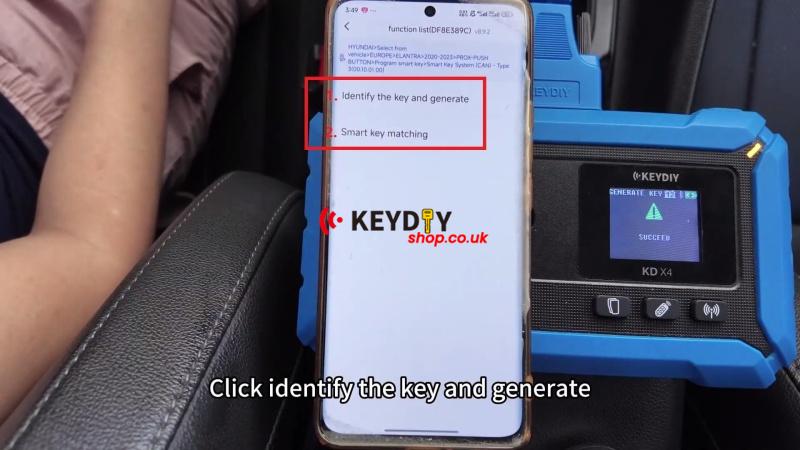
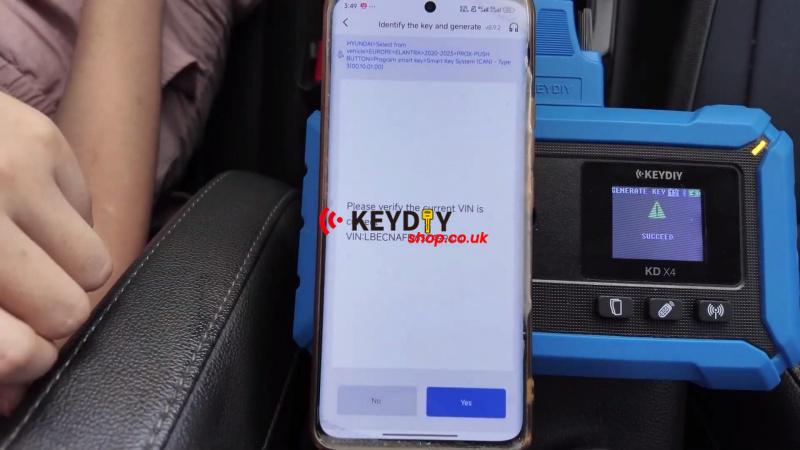
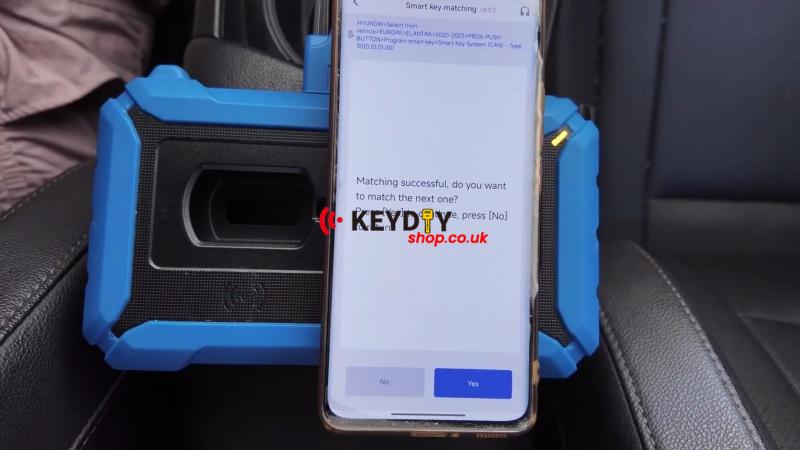
1. Connect the KD-X4 and enter IMMO Programming → Hyundai → Select from vehicle → EUROPE → Elantra → 2020-2023 → PROX-PUSH BUTTON → Program Smart Key → Smart Key System (CAN) – Type 3 → Start execution → Identify the key generate
2. Confirm the VIN information is correct.
Generate the New Smart Key
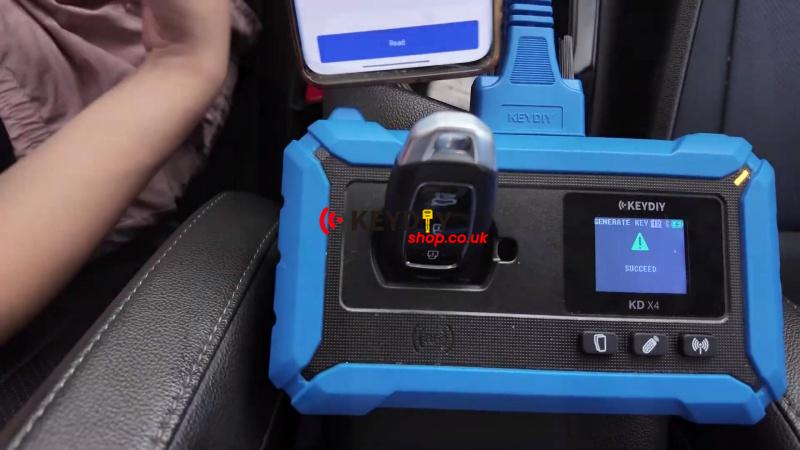
1. Place the original vehicle key on the KD-X4 induction area and select Read.
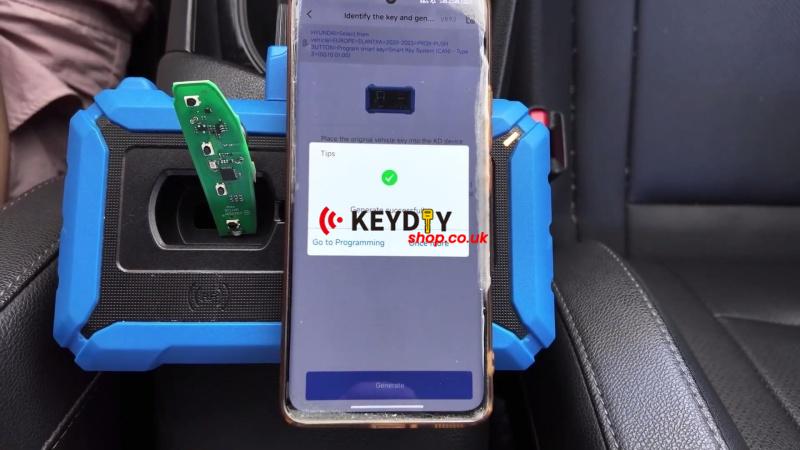
2. Place the blank KD key on the induction area and select Generate.
3. Wait until the key generation is completed successfully.
Match the Smart Key to the Vehicle
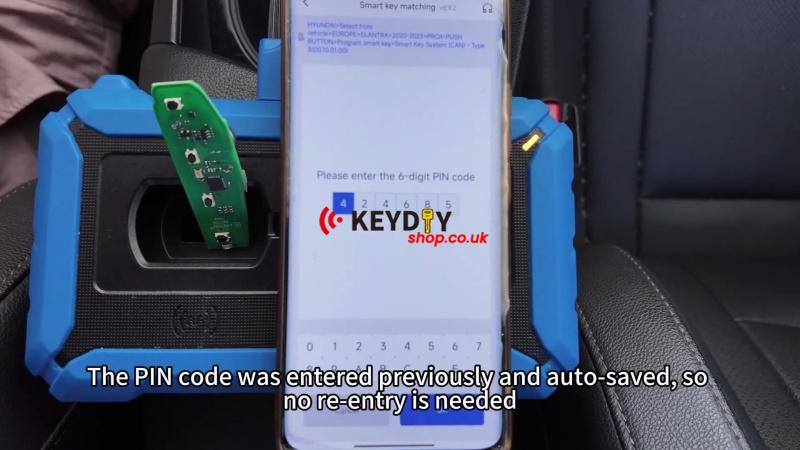
1. Enter Programming → Smart Key Matching and confirm to start the procedure.
2. Press the start button once and continue following the KD-X4 prompts.
3. The prepared PIN code is already saved, so no additional input is needed.
4. Turn off the ignition, open and close the driver’s door once, then continue.
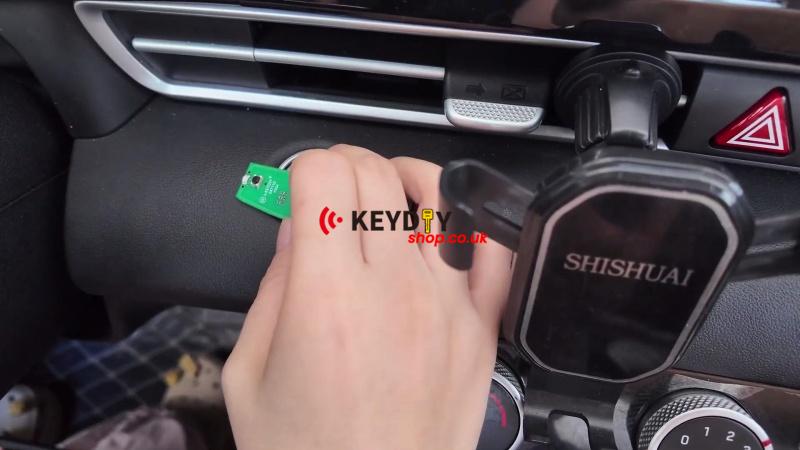
5. Hold the original key against the start button for about 5 seconds until the smart key matching is completed.
Notes: If an additional key is required, select the option to add another key and repeat the same matching procedure.
Verify the Result
Start the vehicle with the programmed key and confirm that it starts normally and the basic remote functions work correctly, including lock/unlock and trunk release.