
If you are using the KEYDIY KD X4 for chip cloning or remote generation and encounter the error “Wake line is not properly connected,” you aren’t alone. This is a common hurdle, but the fix is usually straightforward.
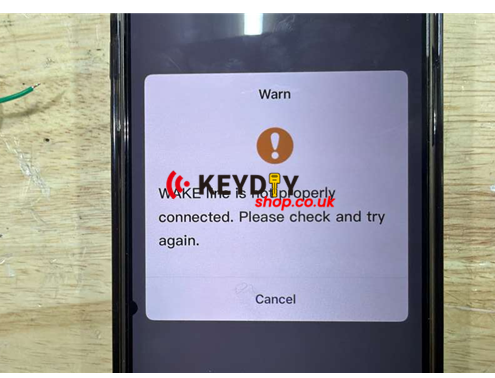
Based on recent feedback from KD technical support, here is how to resolve the issue:
1. Check Pin 17 (The Encryption Line)
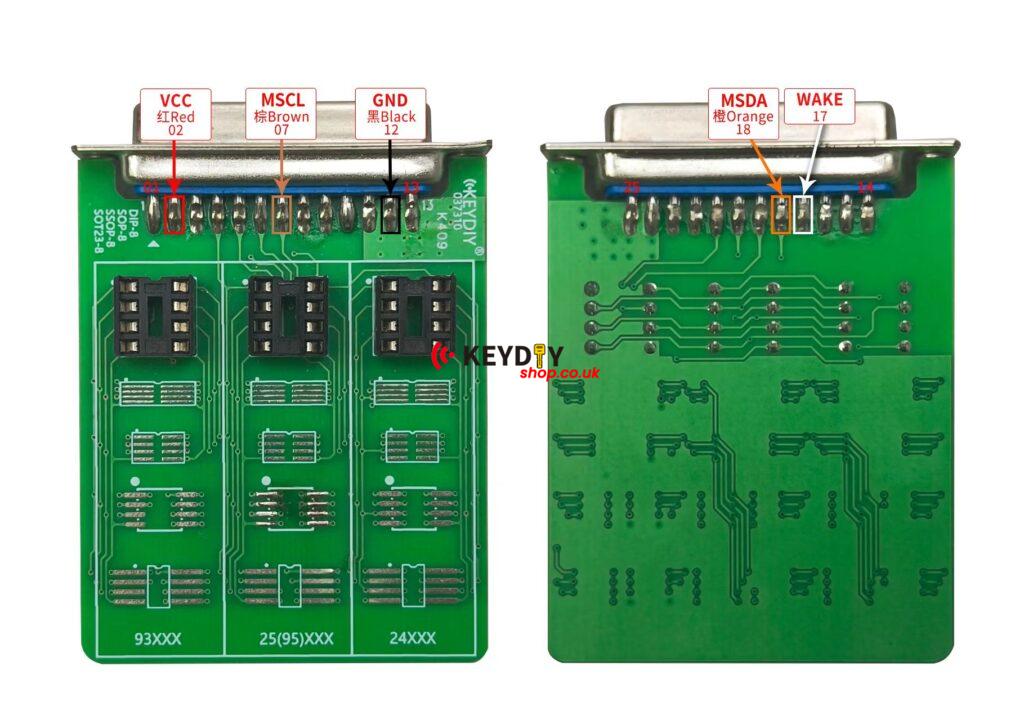
The most frequent cause is a poor connection on Line 17. Even if it looks attached, the “Wake line” error indicates the signal isn’t reaching the chip.
2. Clean the PCB (Remove Resin/Glue)
Many vehicle PCBs are coated in a protective resin or glue. If you’ve connected Line 17 but still get the error, you likely need to carefully scrape or clean the glue off the contact point on the board. A clean metal-to-metal connection is vital for the KD X4 to “wake up” the system.
3. Verify Your Wiring (The “Wrong Wire” Issue)
You can check the connection diagram like blog
And customer feedback his connection photo:
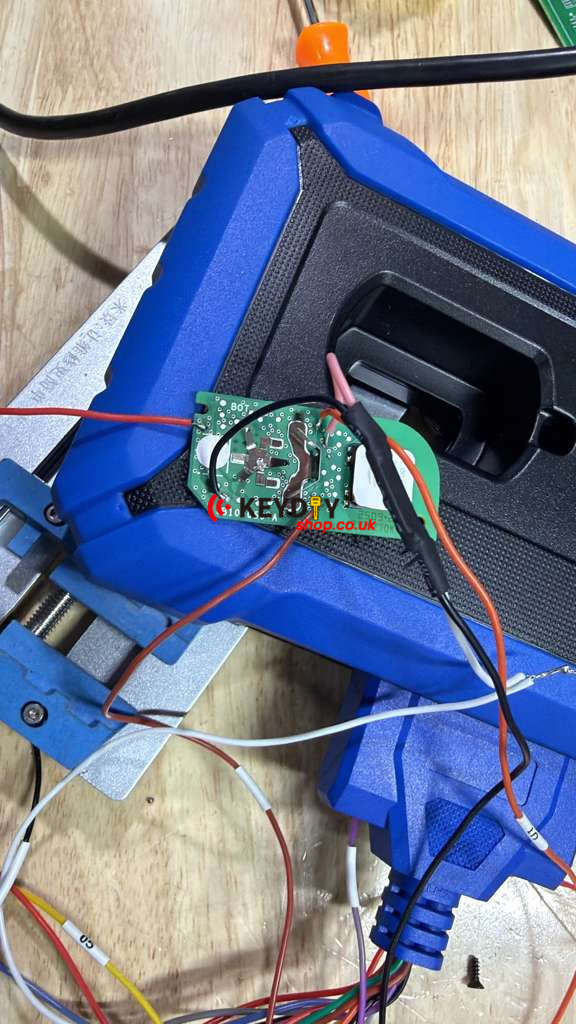
KD technicians have noted that many users are accidentally using unsupported or incorrect wires. If your wiring diagram doesn’t match the specific requirements of the KD X4, the device will fail to communicate.
Pro Tip: Always double-check your connection diagram against the latest KD app update. If your current lead isn’t supported, you may need to modify the wiring (rewire) to ensure compatibility.