
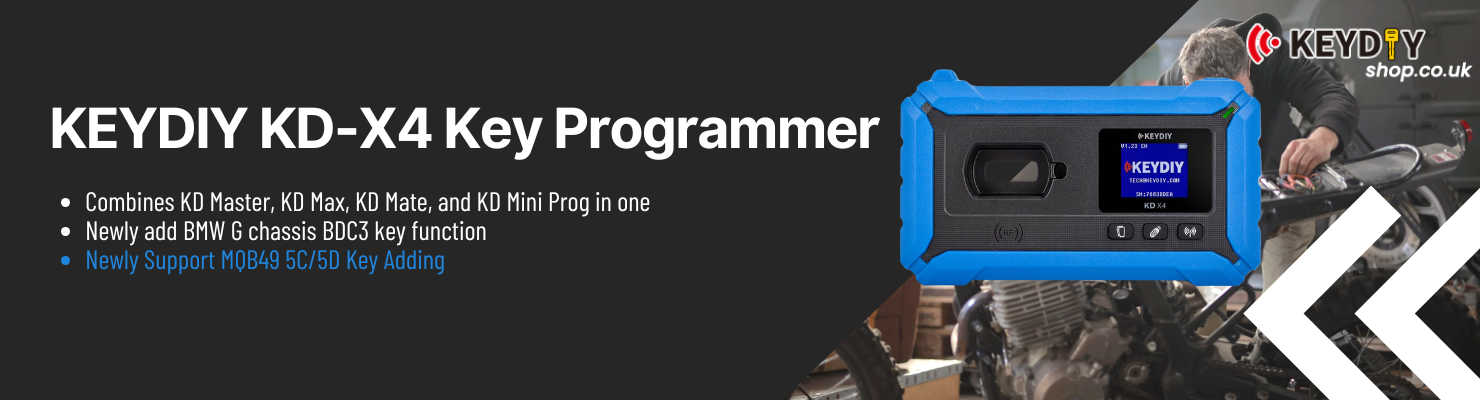
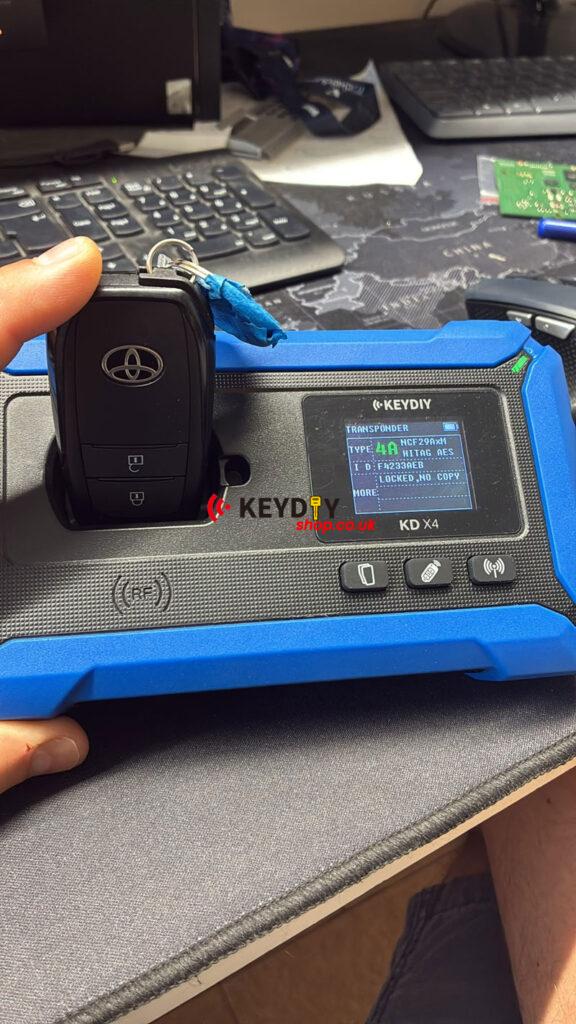
KEYDIY KD-X4 Key Programmer can renew a locked 2024 Toyota Yaris Cross NCF29A1M key by following the correct key matching procedure. The “Locked_No Copy” prompt is not an error or a failed key—it typically appears when the required operation sequence has not been performed correctly.
Back Up the Smart Box EEPROM
The following procedure shows the actual operation process. In this case, the vehicle is a 2023 Toyota Corolla Cross, and the same workflow applies to the 2024 Toyota Yaris Cross NCF29A1M locked key.
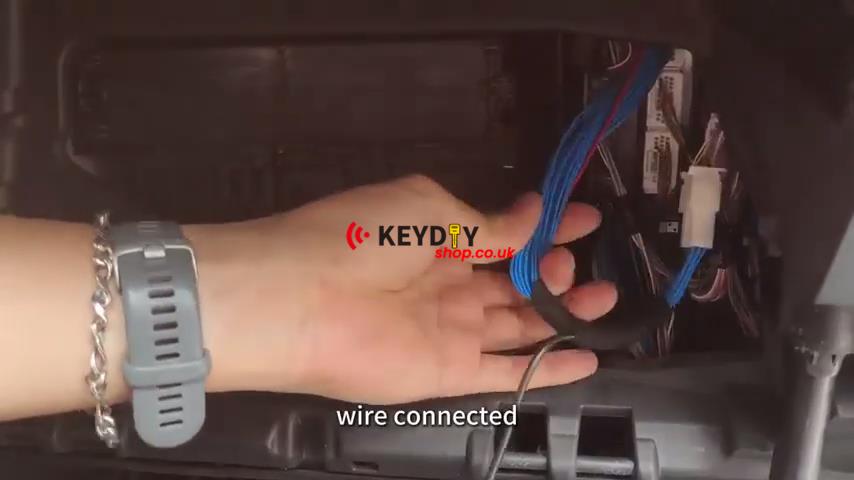
1. Connect the smart box cable between the vehicle smart box and the KEYDIY KD-X4, then connect the compatible antenna.
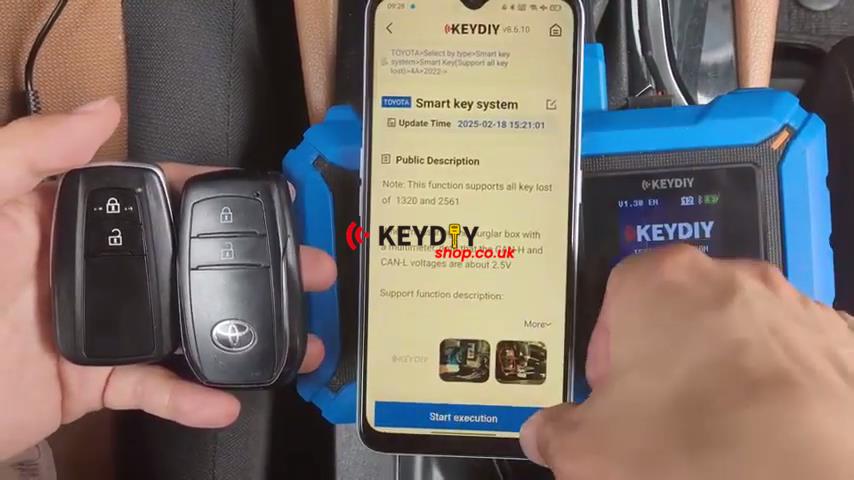
2. Go to Immo Programming → Toyota → Select by Type → Smart Key System → Smart Key (Support All Keys Lost) → 4A → 2022- → Smart Key System.
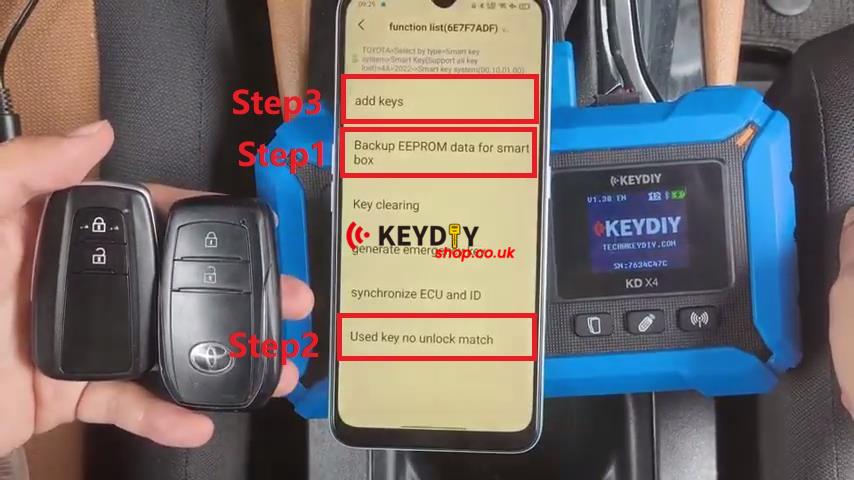
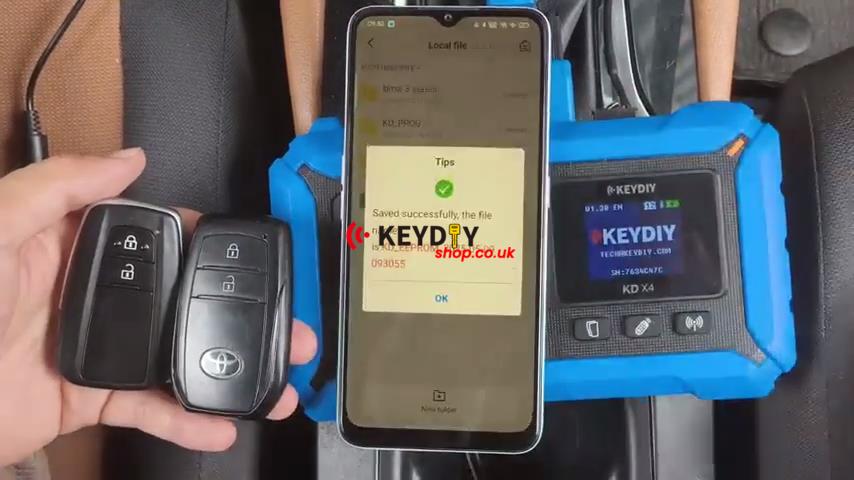
3. Select Backup EEPROM Data for Smart Box → Pin type, insert the probe into the smart box CAN-H and CAN-L as prompted, then wait for the EEPROM to be read and save the backup file.
Generate the Simulated Key
After the EEPROM backup is complete, continue with the key operation.
1. Disconnect the smart box cable.
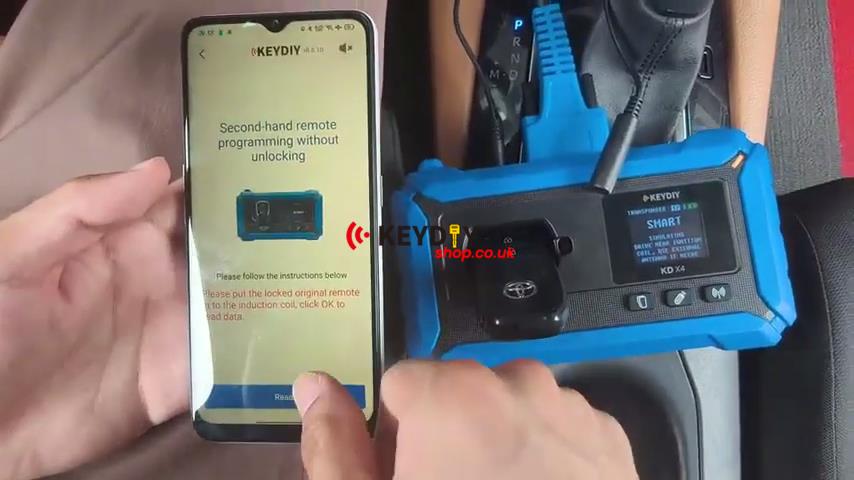
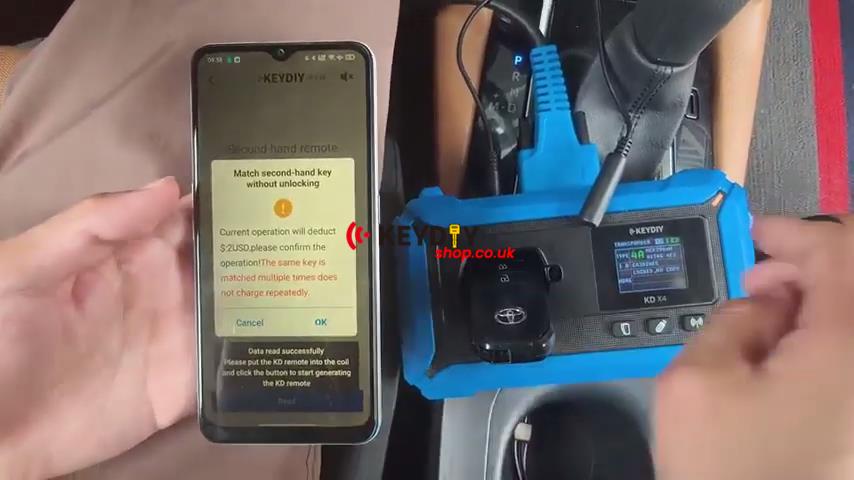
2. Enter Used Key No Unlock Match, place the locked key in the KD-X4 coil, tap Read, and confirm the operation.
3. Wait for the simulated key to be generated.
Learn the Key
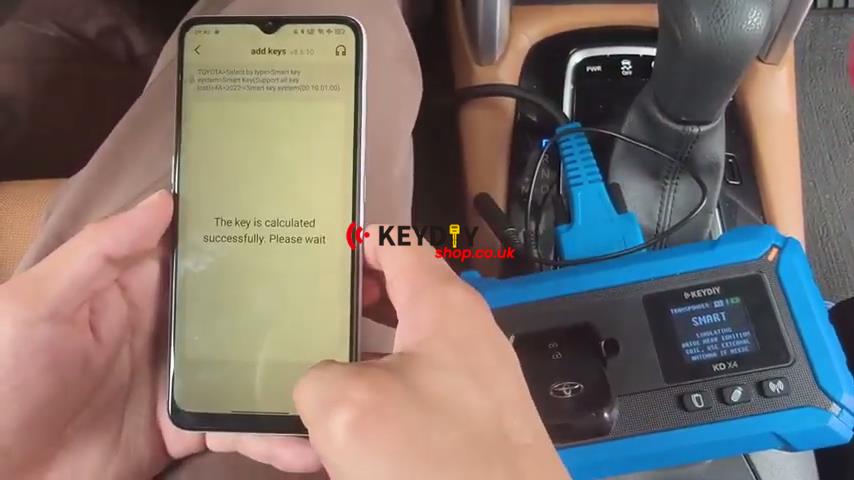
1. Go to Add Keys, switch the ignition on, and select the saved EEPROM backup file.
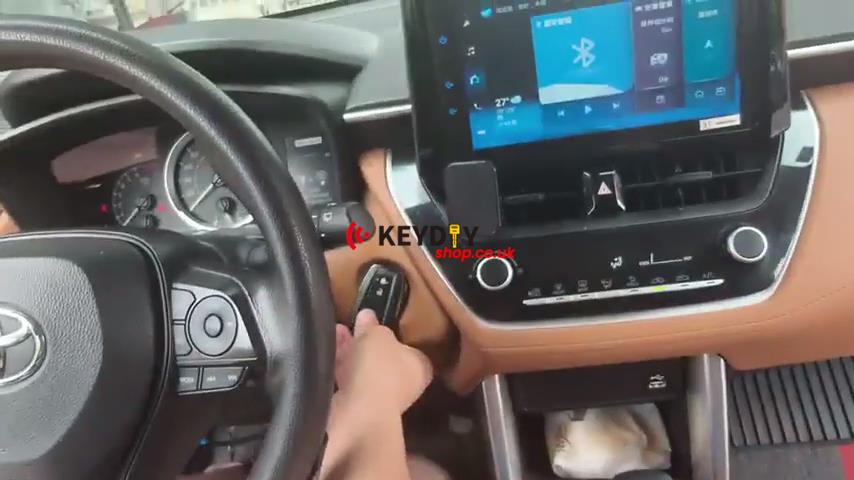
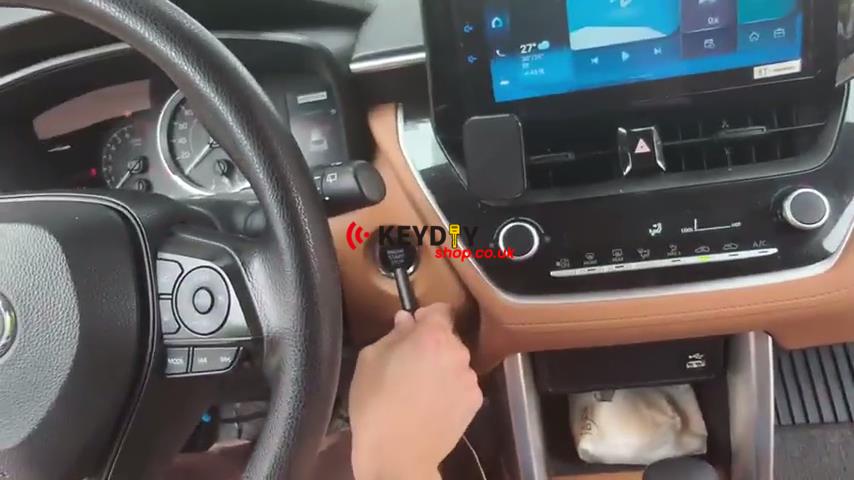
2. After the key calculation is complete, place the matched key near the Start button within 30 seconds, then place the simulated key near the Start button when prompted.
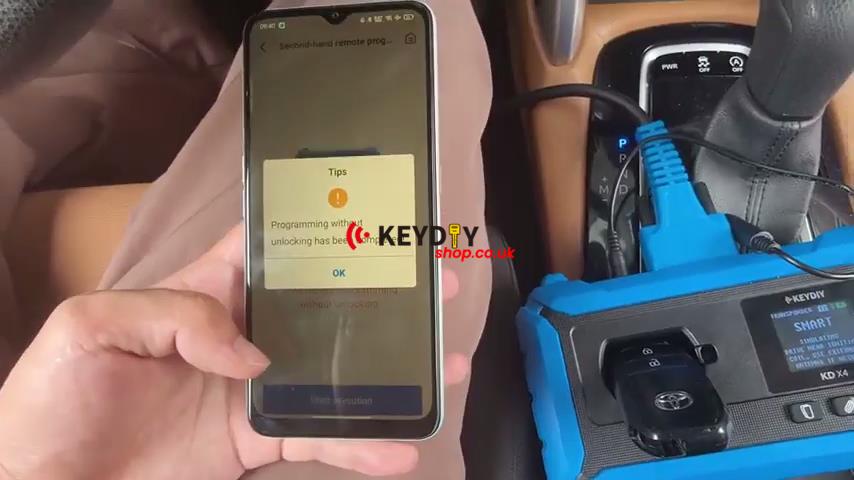
3. Start the programming process and wait until Programming without unlock has been completed is displayed.
Verification
Remove the original key from the vehicle and verify the newly programmed key. The engine should start normally, and the basic smart key functions should operate as expected.