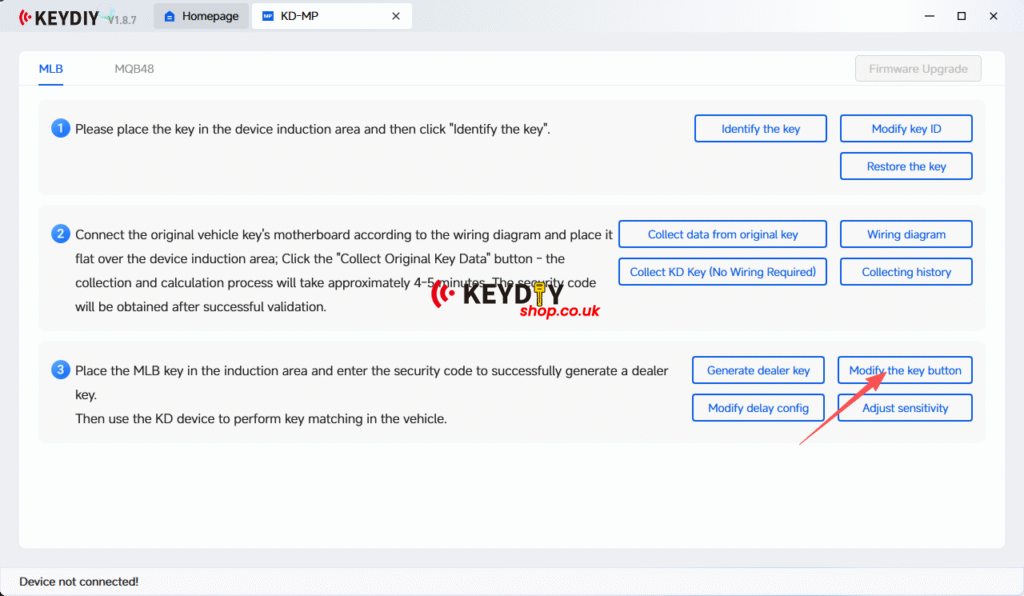
For MQB and MLB tool, you can use with KEYDIY KD MP Tool.
When using the KEYDIY KD‑MP Software to program a key for a Porsche Cayenne 2021, some users may see the error message:
“Calculation timeout, please try again later.”
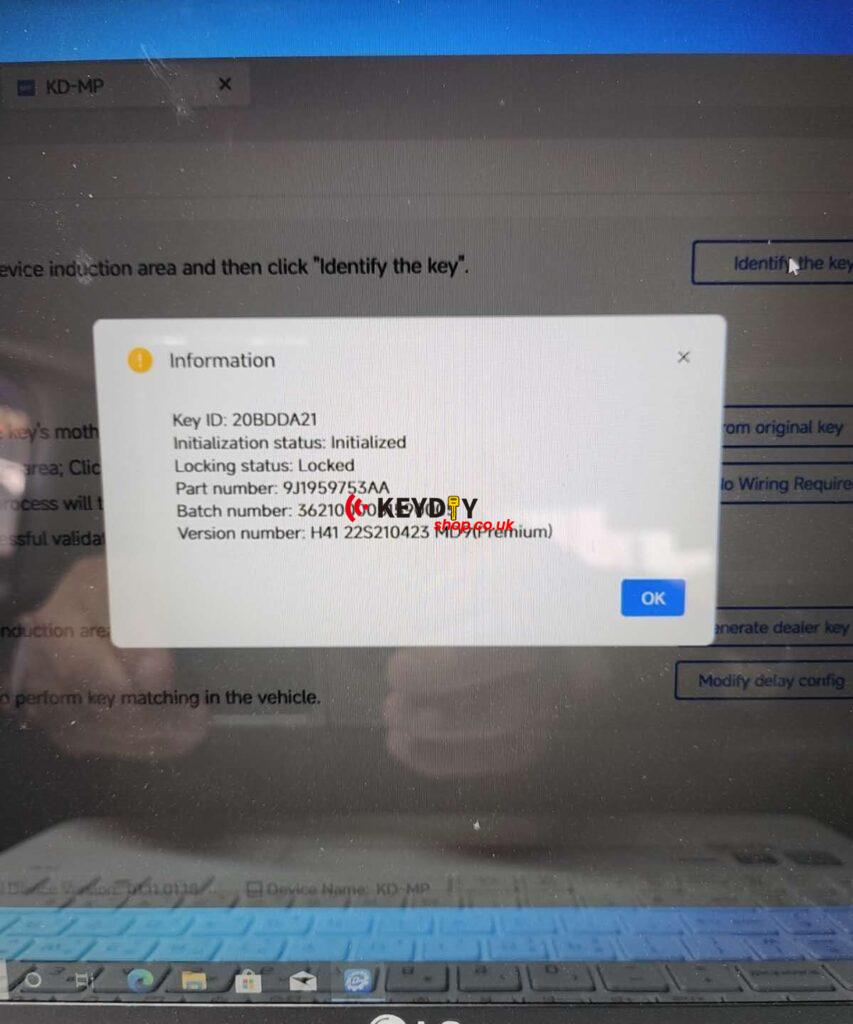
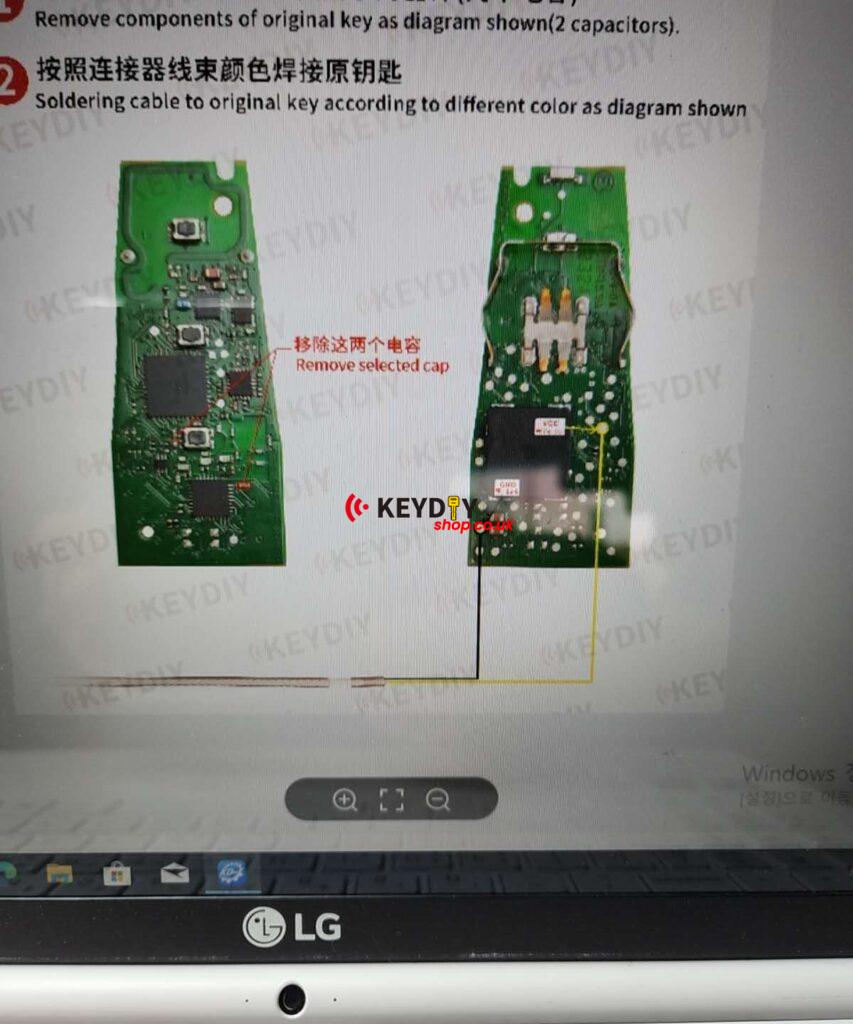
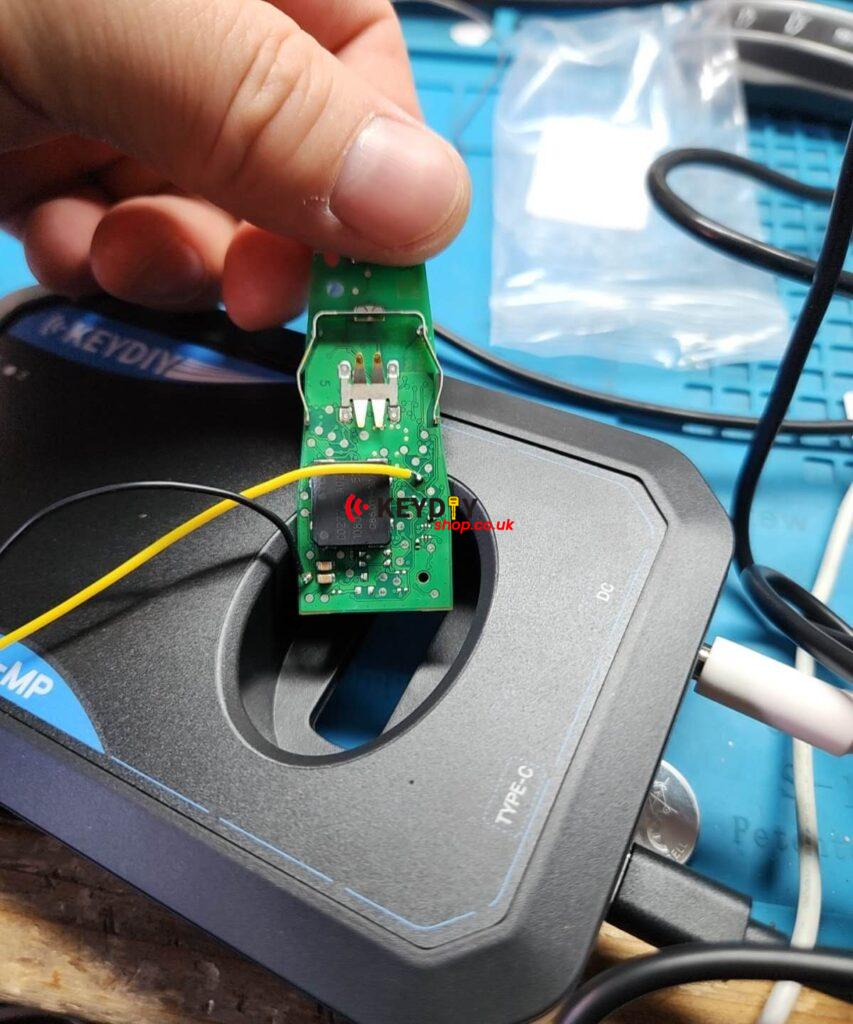
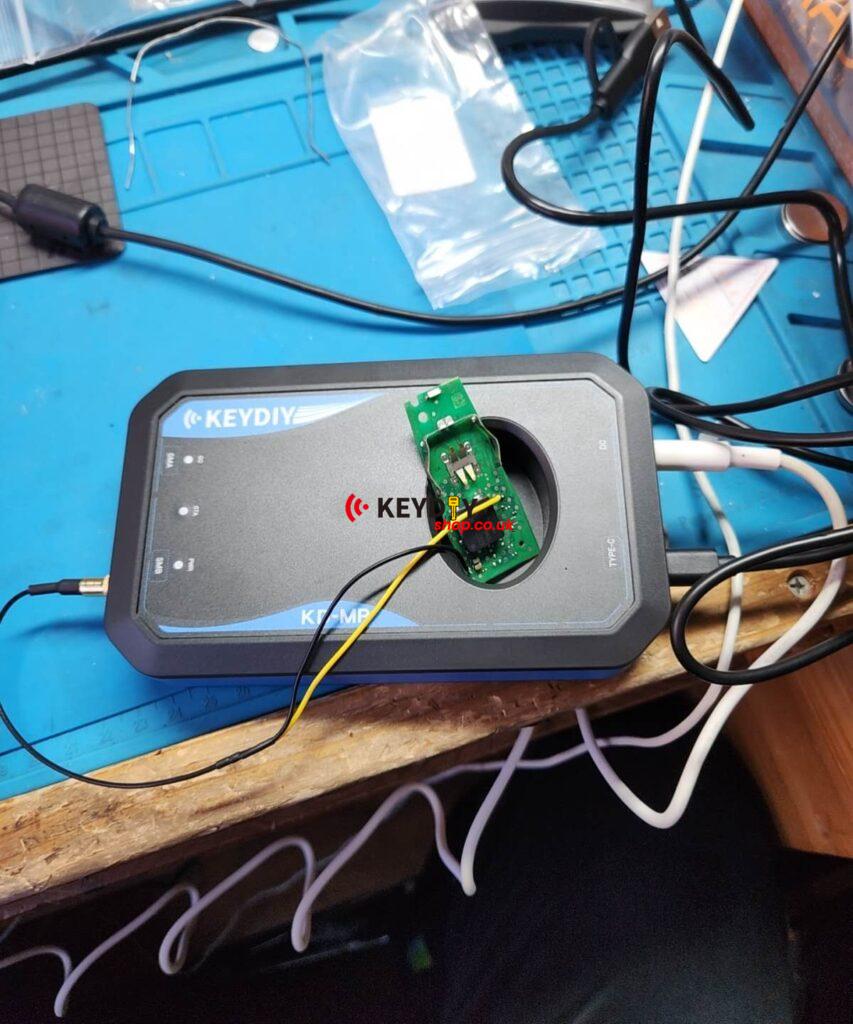
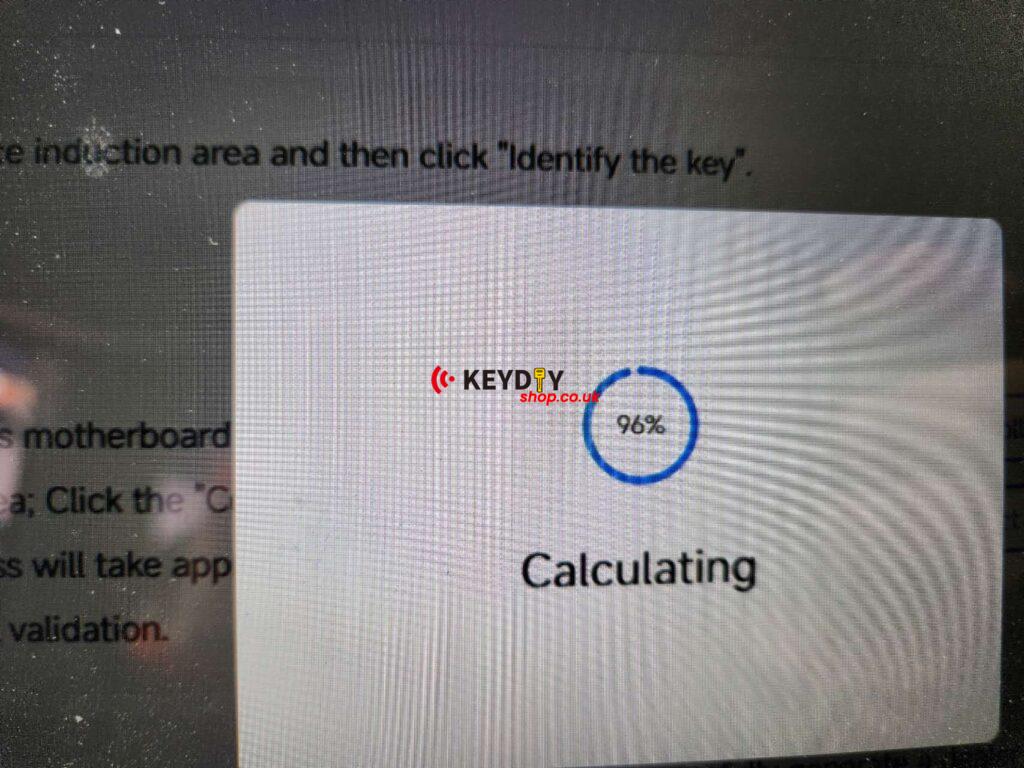
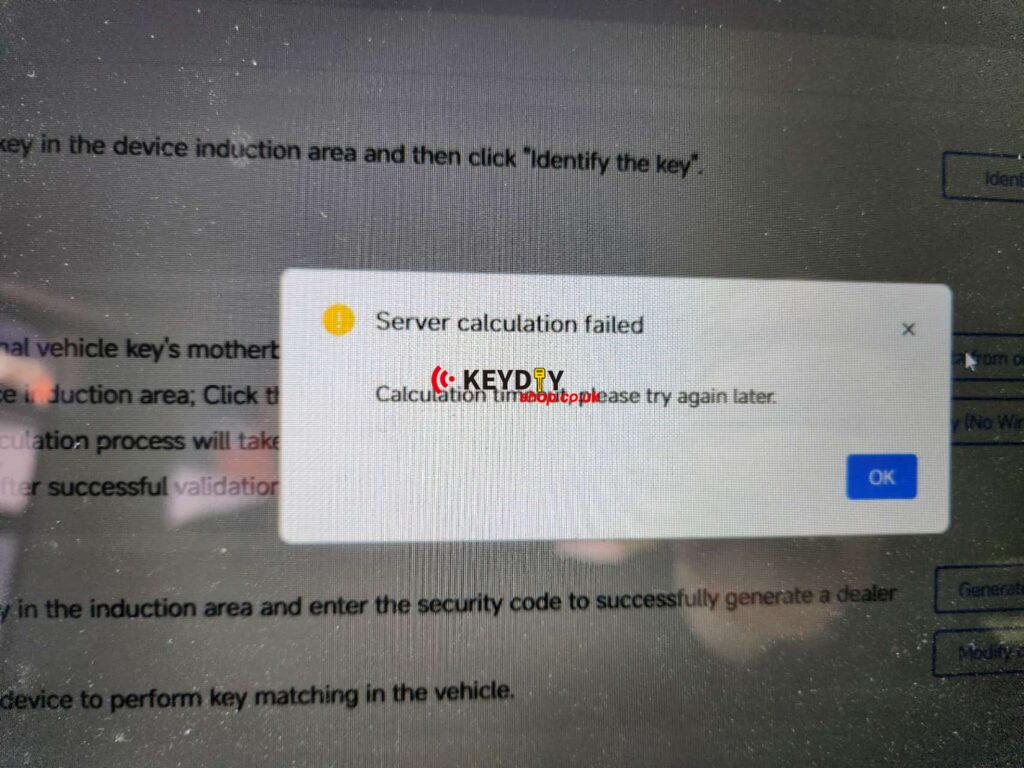
This issue usually occurs during the data collection or calculation process. The good news is that it is normally related to signal interference or unstable conditions, and in most cases it can be resolved quickly.
If you encounter this error, try the following steps:
-
Try the collection process several times
In many cases, repeating the process will solve the issue. -
Ensure a stable internet connection
A reliable network helps the calculation process complete successfully. -
Move the device away from electrical wires
Strong electrical interference can affect signal collection. -
Keep the device area clear
Avoid placing other electronic devices close to the programmer. -
Do NOT connect the laptop charger during data collection
When collecting data, run the computer on battery power instead of plugging in the power supply.
After adjusting the environment and retrying, the process should complete normally.
How to Change the Key Button Configuration
Once the key programming is successful, you can customise the button functions directly inside the KEYDIY KD‑MP Software.