
All KEYDIY device can support multi-language now. Supports English, Vietnamese, Russian, French, Spanish, German, ltalian, Arabic, Thai, Japanese, Korean, Simplifed Chinese
Are you having trouble switching your KD X4 (Mobile KD) app to French? We have received feedback from some users stating that the French language option is missing or not applying on both Android and iOS devices.
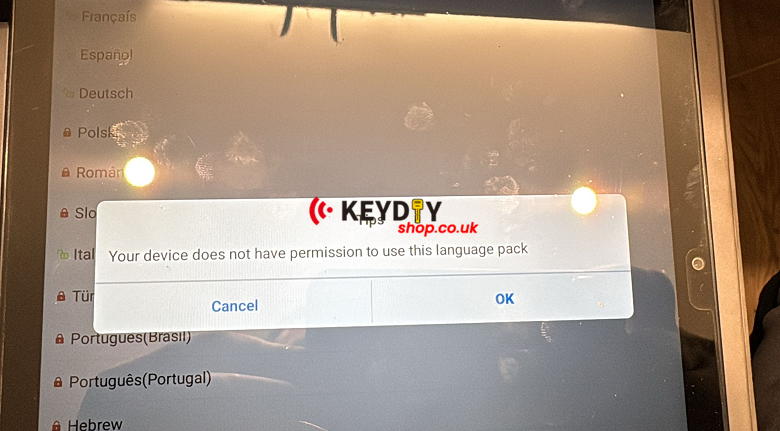
In most cases, this isn’t a hardware bug—it is simply a matter of having the correct software version. Here is how to fix it:
1. The Golden Rule: Update to the Latest Version (APP version, not Firmware of device)
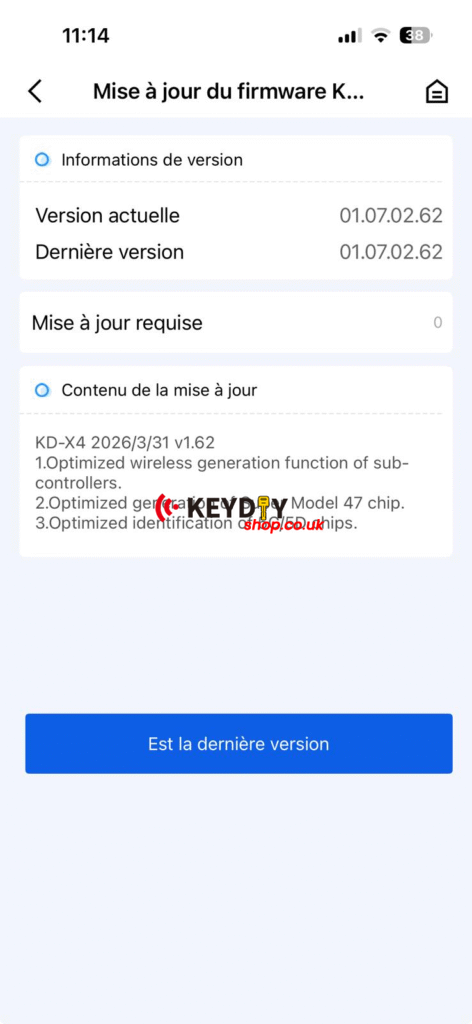
The most common reason for missing languages is running an outdated version of the app. KEYDIY regularly pushes updates to include new language packs and vehicle database improvements.
-
iOS Users: Head to the App Store and search for “Mobile KD.” If you see an “Update” button, click it immediately.
-
Android Users: Check for updates within the app settings or download the latest APK from the official KEYDIY website.
Note: Once the app is updated to the latest version, the French (Français) option should appear and function correctly.
2. How to Correctly Switch Languages
Double-check your settings path to ensure the change is saved:
-
Open the Mobile KD App.
-
Go to the “Me” or “Settings” tab in the bottom menu.
-
Tap on “Language.”
-
Select “French” (Français) from the list.
3. Sync with Phone System Settings
If the app still defaults to English, try adding French to your phone’s system language settings and restarting the app. Sometimes the app syncs its regional settings with your mobile OS.