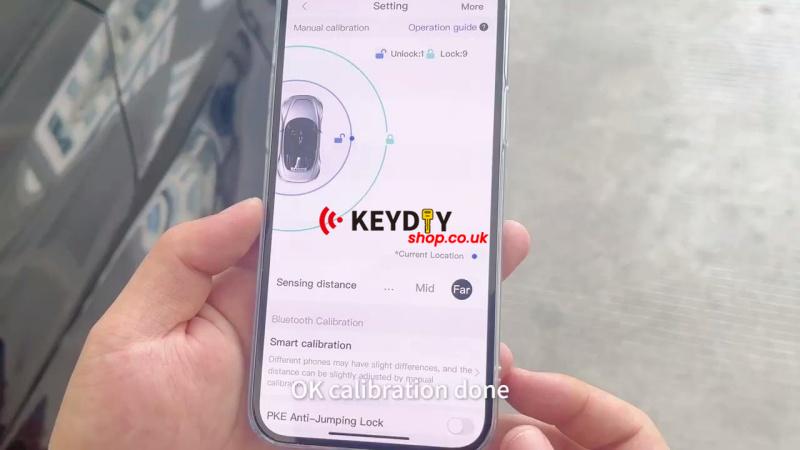
If the keyless entry range needs adjustment, use the KEYDIY PAK01-TIB Phone As Key to calibrate the Bluetooth control distance through the Smart Calibration function.
Check the Keyless Entry Function
The phone has already been programmed as a key. First, check that the app can lock and unlock the vehicle normally.
1. Open the app and test the lock and unlock functions.
2. Confirm both functions work normally.
3. Place the phone as the key device in the armrest box before calibration.
Run Smart Calibration
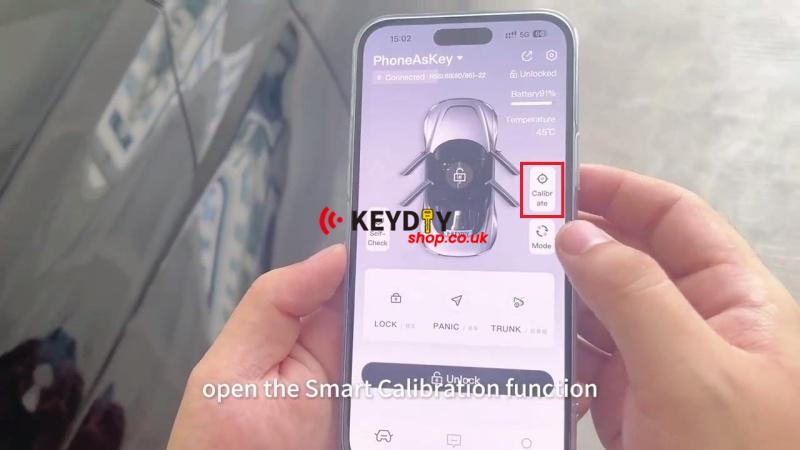
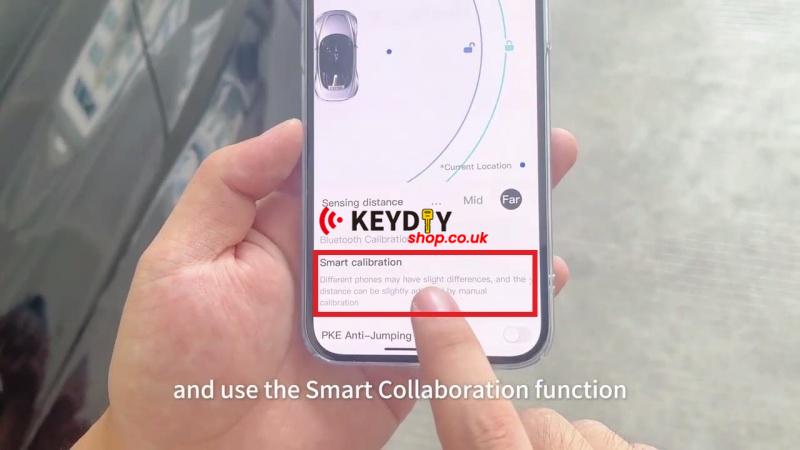
Open Calibrate > Smart Calibration in the app.
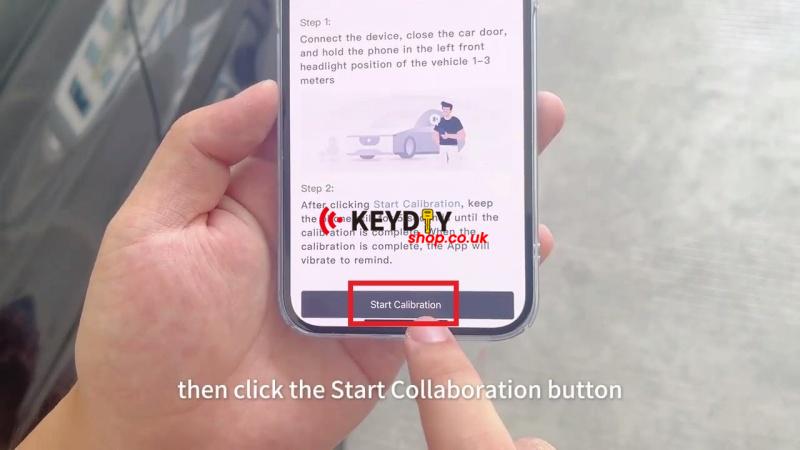
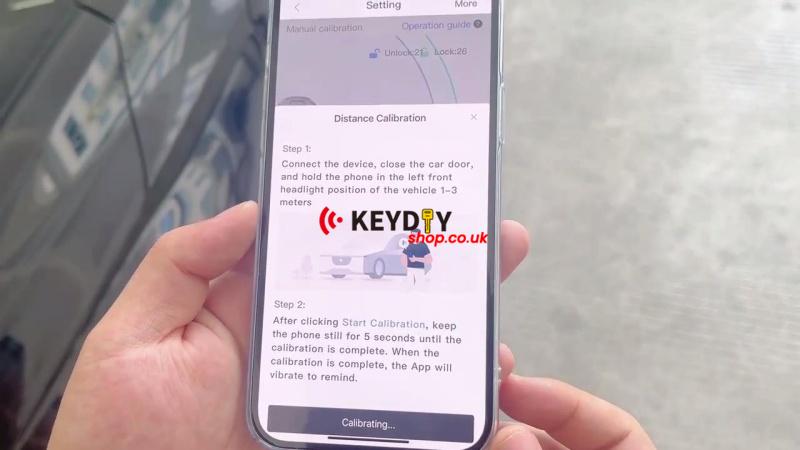
1. Connect the device, close the vehicle door, and hold the phone at the left front headlight position, 1–3 meters from the vehicle.
2. Tap Start Calibration and keep the phone still for 5 seconds.
3. Wait for the calibration to finish. The app vibrates when calibration is complete.
Verify Keyless Entry
With the vehicle locked, use the PAK01-TIB Phone As Key and confirm that the vehicle unlocks normally.